






Category
- Repair Partsaddremove
- Multimediaaddremove
- Accessoryaddremove
- Tools and Equipmentaddremove





Display iPhone
Choose a subcategory (5)
There are 502 products.
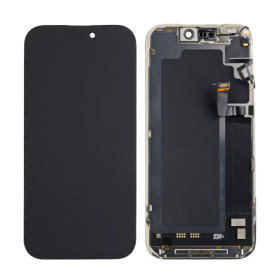
Screen iPhone 17 Pro Max (Original Disassembled) - Grade A
Key Features of Screen iPhone 17 Pro Max (Original Disassembled) - Grade A
Genuine Quality: This screen is an Original Equipment Manufacturer (OEM) component, ensuring genuine Apple quality and performance. It's perfect for those who desire an authentic look and feel for their iPhone 17 Pro Max.
Grade A Condition: The screen is classified as Grade A, indicating it is in prime condition, free from scratches, blemishes, or any visible wear. It offers the same pristine experience as a brand-new display.
Disassembled OEM Part: As an original disassembled product, it is sourced from genuine iPhone 17 Pro Max units, guaranteeing compatibility and optimal performance without the compromises that come with third-party replacements.
Super Retina XDR Display: Experience the brilliance of Apple's Super Retina XDR technology with high dynamic range, vibrant colors, and deep blacks. This screen delivers an immersive viewing experience with unparalleled clarity and resolution.
True Tone and Haptic Touch: Retains key iPhone features like True Tone for adaptive lighting adjustments to suit your environment and Haptic Touch for seamless interaction, ensuring all functionalities operate as intended.
Face ID Compatible: This replacement screen is fully compatible with the iPhone 17 Pro Max's Face ID technology, maintaining all security features without requiring additional calibrations.
Eco-Friendly Choice: By opting for an original disassembled part, you're supporting sustainability through recycling and reusing existing materials, reducing the demand for new production.
Easy Installation: Designed for precision fit and ease of installation. Professional installation is recommended to ensure seamless integration and maintain warranty coverage.
Choose the Screen iPhone 17 Pro Max (Original Disassembled) - Grade A for a top-quality, reliable, and sustainable replacement that maintains your device's excellence.
Genuine Quality: This screen is an Original Equipment Manufacturer (OEM) component, ensuring genuine Apple quality and performance. It's perfect for those who desire an authentic look and feel for their iPhone 17 Pro Max.
Grade A Condition: The screen is classified as Grade A, indicating it is in prime condition, free from scratches, blemishes, or any visible wear. It offers the same pristine experience as a brand-new display.
Disassembled OEM Part: As an original disassembled product, it is sourced from genuine iPhone 17 Pro Max units, guaranteeing compatibility and optimal performance without the compromises that come with third-party replacements.
Super Retina XDR Display: Experience the brilliance of Apple's Super Retina XDR technology with high dynamic range, vibrant colors, and deep blacks. This screen delivers an immersive viewing experience with unparalleled clarity and resolution.
True Tone and Haptic Touch: Retains key iPhone features like True Tone for adaptive lighting adjustments to suit your environment and Haptic Touch for seamless interaction, ensuring all functionalities operate as intended.
Face ID Compatible: This replacement screen is fully compatible with the iPhone 17 Pro Max's Face ID technology, maintaining all security features without requiring additional calibrations.
Eco-Friendly Choice: By opting for an original disassembled part, you're supporting sustainability through recycling and reusing existing materials, reducing the demand for new production.
Easy Installation: Designed for precision fit and ease of installation. Professional installation is recommended to ensure seamless integration and maintain warranty coverage.
Choose the Screen iPhone 17 Pro Max (Original Disassembled) - Grade A for a top-quality, reliable, and sustainable replacement that maintains your device's excellence.
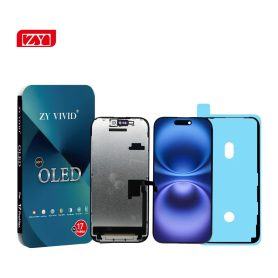
Screen iPhone 17 Pro Max (Soft OLED) ZY - 1:1 120Hz - Diagnosable
Use Repair Assistant to Finish an iPhone or iPad Repair
On an iPhone 12 or later running iOS 18, when a new Apple screen is installed,“Finish Repair” will appear next to Screen until you complete the repair using the Repair Assistant.
On an iPhone 12 or later running iOS 18, it is possible to reuse an original Apple screen on another iPhone of the same model.
The date of first use and the condition of the screen can be found in Settings > General > About > Parts & Service History.
How to Run Diagnostics & Finish Repair for iPhone Screen
1. Ensure your device is updated to iOS 18
2. Go to Settings > General > About > Parts & Service History
3. Tap "Restart & Finish Repair" to activate the Repair Assistant
4. Follow the on-screen instructions to complete the calibration
After completing this process, your screen will be fully functional, and there will be no pop-up warning about non-genuine parts.
Important Notes:
Your iPhone must be connected to Wi-Fi
Your battery level should be above 20%
If the process fails, restart your device and try again
If the repair is not completed, the screen may not function optimally, and some features (True Tone, Face ID) may be disabled until calibration is finalized
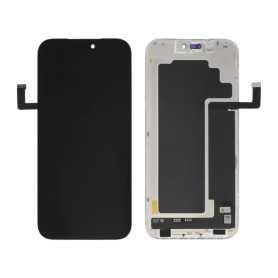
Screen iPhone 17 Pro Max (OEM) Soft Oled - Diagnosable - No Pop-up - 120Hz
Use Repair Assistant to Finish an iPhone or iPad Repair
On an iPhone 12 or later running iOS 18, when a new Apple screen is installed,“Finish Repair” will appear next to Screen until you complete the repair using the Repair Assistant.
On an iPhone 12 or later running iOS 18, it is possible to reuse an original Apple screen on another iPhone of the same model.
The date of first use and the condition of the screen can be found in Settings > General > About > Parts & Service History.
How to Run Diagnostics & Finish Repair for iPhone Screen
1. Ensure your device is updated to iOS 18
2. Go to Settings > General > About > Parts & Service History
3. Tap "Restart & Finish Repair" to activate the Repair Assistant
4. Follow the on-screen instructions to complete the calibration
After completing this process, your screen will be fully functional, and there will be no pop-up warning about non-genuine parts.
Important Notes:
Your iPhone must be connected to Wi-Fi
Your battery level should be above 20%
If the process fails, restart your device and try again
If the repair is not completed, the screen may not function optimally, and some features (True Tone, Face ID) may be disabled until calibration is finalized
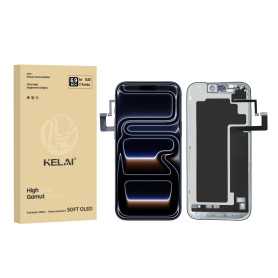
Screen iPhone 17 Pro Max (Soft OLED) KELAI - Diagnostic
Use Repair Assistant to Finish an iPhone or iPad Repair
On an iPhone 12 or later running iOS 18, when a new Apple screen is installed,“Finish Repair” will appear next to Screen until you complete the repair using the Repair Assistant.
On an iPhone 12 or later running iOS 18, it is possible to reuse an original Apple screen on another iPhone of the same model.
The date of first use and the condition of the screen can be found in Settings > General > About > Parts & Service History.
How to Run Diagnostics & Finish Repair for iPhone Screen
1. Ensure your device is updated to iOS 18
2. Go to Settings > General > About > Parts & Service History
3. Tap "Restart & Finish Repair" to activate the Repair Assistant
4. Follow the on-screen instructions to complete the calibration
After completing this process, your screen will be fully functional, and there will be no pop-up warning about non-genuine parts.
Important Notes:
Your iPhone must be connected to Wi-Fi
Your battery level should be above 20%
If the process fails, restart your device and try again
If the repair is not completed, the screen may not function optimally, and some features (True Tone, Face ID) may be disabled until calibration is finalized
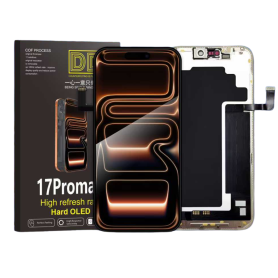
Screen iPhone 17 Pro Max (Soft Oled) DD - IC - 120hz - Original Size / Thickness
Soft OLED replacement screen for iPhone 17 Pro Max. DD-IC range with original size and thickness. Listed refresh rate: 120 Hz. Reference: DD17PM. Designed for professional repair. Check the device model and test the display and touch functions before closing the device. 12-month warranty.
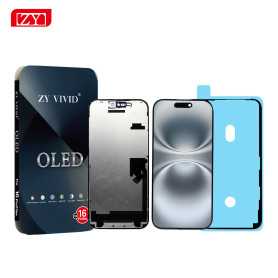
Screen iPhone 17 Pro Max (Soft OLED) ZY - 120Hz - Diagnosable
Use Repair Assistant to Finish an iPhone or iPad Repair
On an iPhone 12 or later running iOS 18, when a new Apple screen is installed,“Finish Repair” will appear next to Screen until you complete the repair using the Repair Assistant.
On an iPhone 12 or later running iOS 18, it is possible to reuse an original Apple screen on another iPhone of the same model.
The date of first use and the condition of the screen can be found in Settings > General > About > Parts & Service History.
How to Run Diagnostics & Finish Repair for iPhone Screen
1. Ensure your device is updated to iOS 18
2. Go to Settings > General > About > Parts & Service History
3. Tap "Restart & Finish Repair" to activate the Repair Assistant
4. Follow the on-screen instructions to complete the calibration
After completing this process, your screen will be fully functional, and there will be no pop-up warning about non-genuine parts.
Important Notes:
Your iPhone must be connected to Wi-Fi
Your battery level should be above 20%
If the process fails, restart your device and try again
If the repair is not completed, the screen may not function optimally, and some features (True Tone, Face ID) may be disabled until calibration is finalized
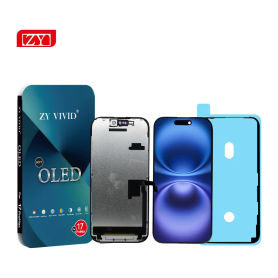
Screen iPhone 17 Pro Max (Soft OLED) ZY - 1:1 120Hz
Screen iPhone 17 Pro Max (Soft OLED) ZY - 1:1 120Hz: Soft OLED replacement screen for iPhone 17 Pro Max. IC, 1:1 construction and 120 Hz display according to the supplier specification. Designed for repair professionals; check the exact phone model before installation.

Screen iPhone 17 Pro Max (INCELL) ZY - COF - FHD1080p - 120Hz - Diagnosable
Use Repair Assistant to Finish an iPhone or iPad Repair
On an iPhone 12 or later running iOS 18, when a new Apple screen is installed,“Finish Repair” will appear next to Screen until you complete the repair using the Repair Assistant.
On an iPhone 12 or later running iOS 18, it is possible to reuse an original Apple screen on another iPhone of the same model.
The date of first use and the condition of the screen can be found in Settings > General > About > Parts & Service History.
How to Run Diagnostics & Finish Repair for iPhone Screen
1. Ensure your device is updated to iOS 18
2. Go to Settings > General > About > Parts & Service History
3. Tap "Restart & Finish Repair" to activate the Repair Assistant
4. Follow the on-screen instructions to complete the calibration
After completing this process, your screen will be fully functional, and there will be no pop-up warning about non-genuine parts.
Important Notes:
Your iPhone must be connected to Wi-Fi
Your battery level should be above 20%
If the process fails, restart your device and try again
If the repair is not completed, the screen may not function optimally, and some features (True Tone, Face ID) may be disabled until calibration is finalized
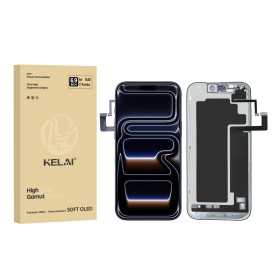
Screen iPhone 17 Pro Max (Soft OLED) KELAI - 120HZ
Introducing the Screen iPhone 17 Pro Max (Soft OLED) by KELAI, designed for unmatched visual experience and superior functionality.
Key Features:
Soft OLED Technology: Enjoy vibrant colors and deep blacks with the Soft OLED display, offering life-like visuals that elevate your overall viewing experience.
120Hz Refresh Rate: Experience ultra-smooth motion with the 120Hz refresh rate, perfect for gaming, streaming, and scrolling through content seamlessly without any lag.
High Resolution: With its sharp resolution, witness crystal-clear images and videos, making every detail pop with precision.
Durable Design: Constructed with high-quality materials, the screen offers enhanced durability while maintaining a sleek and elegant look.
Easy Installation: Designed for user-friendly installation, the KELAI screen ensures minimal hassle with tools included.
Touch Sensitivity: Enjoy a responsive and fluid touch experience, perfect for fast navigation and quick responsiveness to your commands.
Energy Efficient: Engineered to be power-efficient, offering longer battery life without compromising on brightness or performance.
Upgrade your iPhone 17 Pro Max with KELAI's exceptional Soft OLED screen for an unparalleled user experience.
Key Features:
Soft OLED Technology: Enjoy vibrant colors and deep blacks with the Soft OLED display, offering life-like visuals that elevate your overall viewing experience.
120Hz Refresh Rate: Experience ultra-smooth motion with the 120Hz refresh rate, perfect for gaming, streaming, and scrolling through content seamlessly without any lag.
High Resolution: With its sharp resolution, witness crystal-clear images and videos, making every detail pop with precision.
Durable Design: Constructed with high-quality materials, the screen offers enhanced durability while maintaining a sleek and elegant look.
Easy Installation: Designed for user-friendly installation, the KELAI screen ensures minimal hassle with tools included.
Touch Sensitivity: Enjoy a responsive and fluid touch experience, perfect for fast navigation and quick responsiveness to your commands.
Energy Efficient: Engineered to be power-efficient, offering longer battery life without compromising on brightness or performance.
Upgrade your iPhone 17 Pro Max with KELAI's exceptional Soft OLED screen for an unparalleled user experience.
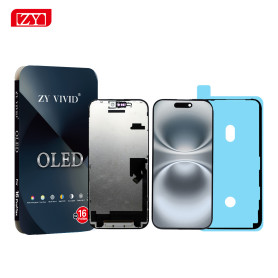
Screen iPhone 17 Pro Max (Soft OLED) ZY - Support IC Change
The Screen for iPhone 17 Pro Max (Soft OLED) ZY offers cutting-edge display technology tailored specifically for the iPhone 17 Pro Max, ensuring optimal visual performance and durability. Key features include:
Soft OLED Technology: This screen delivers vibrant colors, deep blacks, and excellent energy efficiency, enhancing your overall viewing experience.
Seamless IC Support: Designed with support for IC (Integrated Circuit) changes, it allows for easier repairs and component replacements, extending the overall lifespan of your device.
High-Resolution Display: Enjoy crisp and clear visuals with a resolution perfectly matched to the iPhone 17 Pro Max, providing an immersive display for all your media needs.
Touch Sensitivity: Experience smooth and highly responsive touch interactions, making navigation and app usage effortless.
Durability and Longevity: Engineered for robustness, the screen effectively resists scratches and daily wear, maintaining pristine condition over time.
Eco-Friendly Design: Manufactured with environmentally conscious materials to minimize ecological impact.
Perfect Fit Design: Precisely crafted to match the form and specifications of the iPhone 17 Pro Max, ensuring hassle-free installation and an impeccable fit.
Enhance your device with the Screen for iPhone 17 Pro Max (Soft OLED) ZY, where performance meets reliability.
Soft OLED Technology: This screen delivers vibrant colors, deep blacks, and excellent energy efficiency, enhancing your overall viewing experience.
Seamless IC Support: Designed with support for IC (Integrated Circuit) changes, it allows for easier repairs and component replacements, extending the overall lifespan of your device.
High-Resolution Display: Enjoy crisp and clear visuals with a resolution perfectly matched to the iPhone 17 Pro Max, providing an immersive display for all your media needs.
Touch Sensitivity: Experience smooth and highly responsive touch interactions, making navigation and app usage effortless.
Durability and Longevity: Engineered for robustness, the screen effectively resists scratches and daily wear, maintaining pristine condition over time.
Eco-Friendly Design: Manufactured with environmentally conscious materials to minimize ecological impact.
Perfect Fit Design: Precisely crafted to match the form and specifications of the iPhone 17 Pro Max, ensuring hassle-free installation and an impeccable fit.
Enhance your device with the Screen for iPhone 17 Pro Max (Soft OLED) ZY, where performance meets reliability.

Screen iPhone 17 Pro Max (INCELL) ZY - LTPS - Support IC Change - FHD1080p - 120HZ
Advantages LTPS TFT OLED Pixel resolution FHD1080p Same as original HD 720p Same as original Power consumption 10% power savings compared to TFT quality Normal power consumption 20% power savings compared to TFT quality. Response time Fast response Normal response Response same as original Image quality High image quality with vivid colors. Normal display More vivid colors, perfect blacks. Cost Excellent quality and cost. Best cost Steadily decreasing production cost. After-sales feedback After-sales service rate 0.1% After-sales service rate 0.3% After-sales service rate 0.2% Phone thickness with screen (7.65 mm original) 7.75 mm 7.80 mm 7.65 mm
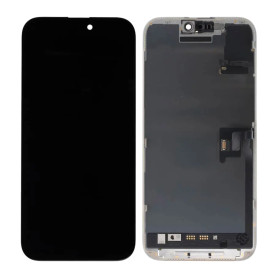
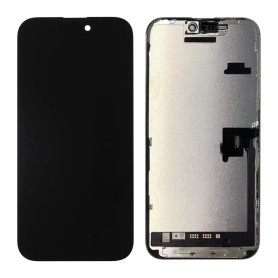
Screen iPhone 16 Pro Max (Original Disassembled) - Grade A
Key Features of Screen iPhone 16 Pro Max (Original Disassembled) - Grade A
Authentic Quality: This screen is an original, disassembled component from the iPhone 16 Pro Max, ensuring perfect compatibility and performance.
Grade A Condition: Rated as Grade A, this screen is in excellent condition, free from scratches, dead pixels, or any display imperfections, offering a pristine visual experience.
Super Retina XDR Display: Experience vibrant colors and deep contrasts with the Super Retina XDR technology, providing true-to-life visuals and enhanced brightness.
Precision Touch Sensitivity: Enjoy seamless interaction with precise touch sensitivity, ensuring smooth navigation and responsiveness for all your tasks.
True Tone and HDR Support: Equipped with True Tone technology and HDR support, this screen adjusts to ambient lighting for optimal viewing and supports high dynamic range content.
Easy Installation: Designed for straightforward installation, this screen is perfect for professional repair technicians looking to restore the iPhone 16 Pro Max to its original glory.
Durable Construction: Built with robust materials to withstand daily wear and tear, ensuring longevity and reliability.
Eco-Friendly Option: By choosing a disassembled original screen, you contribute to sustainable practices by reducing electronic waste.
Authentic Quality: This screen is an original, disassembled component from the iPhone 16 Pro Max, ensuring perfect compatibility and performance.
Grade A Condition: Rated as Grade A, this screen is in excellent condition, free from scratches, dead pixels, or any display imperfections, offering a pristine visual experience.
Super Retina XDR Display: Experience vibrant colors and deep contrasts with the Super Retina XDR technology, providing true-to-life visuals and enhanced brightness.
Precision Touch Sensitivity: Enjoy seamless interaction with precise touch sensitivity, ensuring smooth navigation and responsiveness for all your tasks.
True Tone and HDR Support: Equipped with True Tone technology and HDR support, this screen adjusts to ambient lighting for optimal viewing and supports high dynamic range content.
Easy Installation: Designed for straightforward installation, this screen is perfect for professional repair technicians looking to restore the iPhone 16 Pro Max to its original glory.
Durable Construction: Built with robust materials to withstand daily wear and tear, ensuring longevity and reliability.
Eco-Friendly Option: By choosing a disassembled original screen, you contribute to sustainable practices by reducing electronic waste.
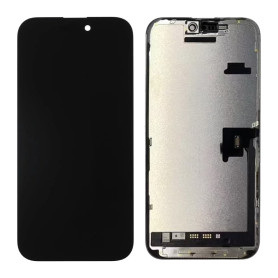
Screen iPhone 16 Pro Max (Original Disassembled) - Grade B
Key Features of Screen iPhone 16 Pro Max (Original Disassembled) - Grade B:
Original Quality: This screen is an authentic, original component specifically designed for the iPhone 16 Pro Max, ensuring perfect compatibility and performance.
Grade B Condition: The screen is in Grade B condition, meaning it may have minor cosmetic imperfections such as slight scratches or scuffs, but it is fully functional and tested for optimal performance.
High-Resolution Display: Experience the stunning clarity and vibrant colors of the iPhone 16 Pro Max's high-resolution display, providing an immersive viewing experience.
Touch Sensitivity: Retains the original touch sensitivity and responsiveness, ensuring smooth and accurate interaction with your device.
True Tone Technology: Supports True Tone technology, which adjusts the display's color temperature based on ambient lighting for a more natural viewing experience.
Face ID Compatible: Maintains full compatibility with Face ID, allowing secure and convenient authentication.
Easy Installation: Designed for straightforward installation, making it a suitable replacement for DIY enthusiasts and professional technicians alike.
Cost-Effective Solution: An economical choice for restoring your iPhone 16 Pro Max's display functionality without compromising on quality.
Original Quality: This screen is an authentic, original component specifically designed for the iPhone 16 Pro Max, ensuring perfect compatibility and performance.
Grade B Condition: The screen is in Grade B condition, meaning it may have minor cosmetic imperfections such as slight scratches or scuffs, but it is fully functional and tested for optimal performance.
High-Resolution Display: Experience the stunning clarity and vibrant colors of the iPhone 16 Pro Max's high-resolution display, providing an immersive viewing experience.
Touch Sensitivity: Retains the original touch sensitivity and responsiveness, ensuring smooth and accurate interaction with your device.
True Tone Technology: Supports True Tone technology, which adjusts the display's color temperature based on ambient lighting for a more natural viewing experience.
Face ID Compatible: Maintains full compatibility with Face ID, allowing secure and convenient authentication.
Easy Installation: Designed for straightforward installation, making it a suitable replacement for DIY enthusiasts and professional technicians alike.
Cost-Effective Solution: An economical choice for restoring your iPhone 16 Pro Max's display functionality without compromising on quality.
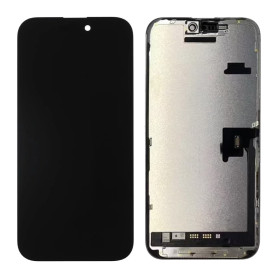
Screen iPhone 16 Pro Max (Original Refurbished)
This screen is genuinely Origine, but it does not allow removing the error message. Each phone has a screen with a unique serial number, and only the Apple Store can program this serial number. However, this error message only remains for a few weeks.
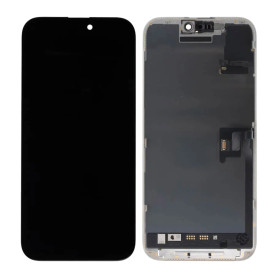
Screen iPhone 16 Pro Max (OEM) Soft Oled - Diagnosable - No Pop-up - 120Hz
Use Repair Assistant to Finish an iPhone or iPad Repair
On an iPhone 12 or later running iOS 18, when a new Apple screen is installed,“Finish Repair” will appear next to Screen until you complete the repair using the Repair Assistant.
On an iPhone 12 or later running iOS 18, it is possible to reuse an original Apple screen on another iPhone of the same model.
The date of first use and the condition of the screen can be found in Settings > General > About > Parts & Service History.
How to Run Diagnostics & Finish Repair for iPhone Screen
1. Ensure your device is updated to iOS 18
2. Go to Settings > General > About > Parts & Service History
3. Tap "Restart & Finish Repair" to activate the Repair Assistant
4. Follow the on-screen instructions to complete the calibration
After completing this process, your screen will be fully functional, and there will be no pop-up warning about non-genuine parts.
Important Notes:
Your iPhone must be connected to Wi-Fi
Your battery level should be above 20%
If the process fails, restart your device and try again
If the repair is not completed, the screen may not function optimally, and some features (True Tone, Face ID) may be disabled until calibration is finalized
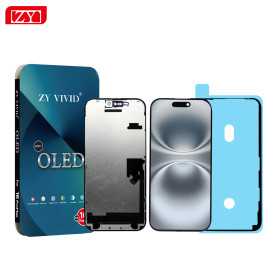
Screen iPhone 16 Pro Max (Soft OLED) ZY - 120Hz - Diagnosable
Use Repair Assistant to Finish an iPhone or iPad Repair
On an iPhone 12 or later running iOS 18, when a new Apple screen is installed,“Finish Repair” will appear next to Screen until you complete the repair using the Repair Assistant.
On an iPhone 12 or later running iOS 18, it is possible to reuse an original Apple screen on another iPhone of the same model.
The date of first use and the condition of the screen can be found in Settings > General > About > Parts & Service History.
How to Run Diagnostics & Finish Repair for iPhone Screen
1. Ensure your device is updated to iOS 18
2. Go to Settings > General > About > Parts & Service History
3. Tap "Restart & Finish Repair" to activate the Repair Assistant
4. Follow the on-screen instructions to complete the calibration
After completing this process, your screen will be fully functional, and there will be no pop-up warning about non-genuine parts.
Important Notes:
Your iPhone must be connected to Wi-Fi
Your battery level should be above 20%
If the process fails, restart your device and try again
If the repair is not completed, the screen may not function optimally, and some features (True Tone, Face ID) may be disabled until calibration is finalized
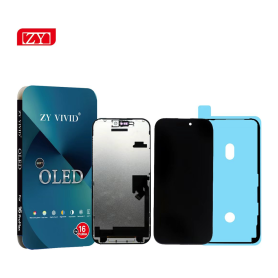
Screen iPhone 16 Pro Max (Soft OLED) ZY - 1:1 120Hz - Diagnosable
Use Repair Assistant to Finish an iPhone or iPad Repair
On an iPhone 12 or later running iOS 18, when a new Apple screen is installed,“Finish Repair” will appear next to Screen until you complete the repair using the Repair Assistant.
On an iPhone 12 or later running iOS 18, it is possible to reuse an original Apple screen on another iPhone of the same model.
The date of first use and the condition of the screen can be found in Settings > General > About > Parts & Service History.
How to Run Diagnostics & Finish Repair for iPhone Screen
1. Ensure your device is updated to iOS 18
2. Go to Settings > General > About > Parts & Service History
3. Tap "Restart & Finish Repair" to activate the Repair Assistant
4. Follow the on-screen instructions to complete the calibration
After completing this process, your screen will be fully functional, and there will be no pop-up warning about non-genuine parts.
Important Notes:
Your iPhone must be connected to Wi-Fi
Your battery level should be above 20%
If the process fails, restart your device and try again
If the repair is not completed, the screen may not function optimally, and some features (True Tone, Face ID) may be disabled until calibration is finalized
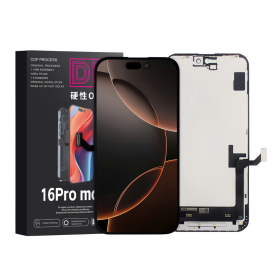
Screen iPhone 16 Pro Max (Soft Oled) DD - IC - 120hz - Original Size / Thickness
Soft OLED replacement screen for iPhone 16 Pro Max. DD-IC range with original size and thickness. Listed refresh rate: 120 Hz. Reference: DD16PM. Designed for professional repair. Check the device model and test the display and touch functions before closing the device. 12-month warranty.
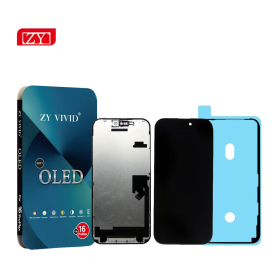
Screen iPhone 16 Pro Max (Soft OLED) ZY - 1:1 120Hz
Screen iPhone 16 Pro Max (Soft OLED) ZY - 1:1 120Hz: Soft OLED replacement screen for iPhone 16 Pro Max. 1:1 version with IC and 120 Hz display according to the supplier specification. Designed for repair professionals; check the exact phone model before installation.
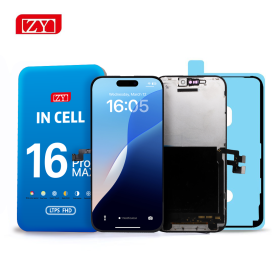
Screen iPhone 16 Pro Max (INCELL) ZY - COF - FHD1080p - 120Hz - Diagnosable
Use Repair Assistant to Finish an iPhone or iPad Repair
On an iPhone 12 or later running iOS 18, when a new Apple screen is installed,“Finish Repair” will appear next to Screen until you complete the repair using the Repair Assistant.
On an iPhone 12 or later running iOS 18, it is possible to reuse an original Apple screen on another iPhone of the same model.
The date of first use and the condition of the screen can be found in Settings > General > About > Parts & Service History.
How to Run Diagnostics & Finish Repair for iPhone Screen
1. Ensure your device is updated to iOS 18
2. Go to Settings > General > About > Parts & Service History
3. Tap "Restart & Finish Repair" to activate the Repair Assistant
4. Follow the on-screen instructions to complete the calibration
After completing this process, your screen will be fully functional, and there will be no pop-up warning about non-genuine parts.
Important Notes:
Your iPhone must be connected to Wi-Fi
Your battery level should be above 20%
If the process fails, restart your device and try again
If the repair is not completed, the screen may not function optimally, and some features (True Tone, Face ID) may be disabled until calibration is finalized
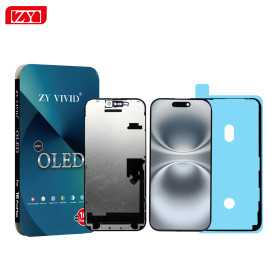
Screen iPhone 16 Pro Max (Soft OLED) ZY - Support IC Change
Advanced Soft OLED Display: Experience vibrant colors and deep blacks with our Soft OLED technology, providing superior visual clarity and an immersive viewing experience on your iPhone 16 Pro Max.
Precision Fit and Finish: Designed to match the exact specifications of the iPhone 16 Pro Max, this replacement screen ensures a seamless fit, preserving the device's sleek aesthetics and functionality.
Support for IC Change: Featuring an innovative design that facilitates Integrated Circuit (IC) replacement, this screen allows for efficient repairs, enhancing the longevity and performance of your device.
High Sensitivity Touch Response: Enjoy a smooth and responsive touch interface with high sensitivity that ensures every tap, swipe, and gesture is registered accurately, keeping up with your fast-paced mobile lifestyle.
True Tone Compatibility: Maintain the natural color balance and brightness adjustments offered by True Tone technology, ensuring your screen adapts perfectly to varying lighting conditions for optimal viewing comfort.
Durable Construction: Built with premium materials, the screen is resilient against scratches and impacts, providing lasting durability without compromising on the device's sleek design.
Easy Installation: Comes with an installation toolkit and step-by-step instructions, making it convenient for both professionals and DIY enthusiasts to replace the screen effortlessly.
Cost-effective Solution: Offering a high-quality replacement option that restores your device’s performance and appearance, this screen provides a cost-effective solution to expensive official repairs.
Environmentally Friendly Packaging: Packaged using eco-friendly materials, minimizing environmental impact while ensuring your replacement screen arrives safely and securely.
Embrace the perfect blend of innovation and functionality with the iPhone 16 Pro Max (Soft OLED) ZY screen, designed to enhance your device’s performance and longevity.
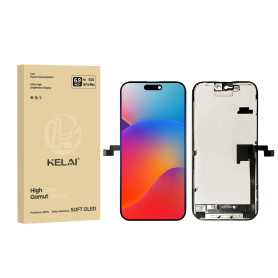
Screen iPhone 16 Pro Max (Soft OLED) KELAI - Support IC Change - 120HZ
The Screen iPhone 16 Pro Max (Soft OLED) by KELAI is engineered to deliver unparalleled performance and exceptional visual clarity. Key features include:
Soft OLED Technology: Experience vibrant colors and deep blacks with the cutting-edge Soft OLED display, ensuring your visuals are always crisp and immersive.
120Hz Refresh Rate: Enjoy ultra-smooth scrolling and seamless motion graphics with a stunning 120Hz refresh rate, perfect for gaming and multimedia enthusiasts.
Support IC Change: Designed with innovation, it supports IC change, providing enhanced durability and extended device lifespan.
Compatibility: Specifically tailored for the iPhone 16 Pro Max, ensuring a perfect fit and flawless functionality with all device features.
High-Quality Build: Manufactured with premium materials for reliability and resistance to daily wear, maintaining the integrity of your display over time.
Easy Installation: User-friendly design allows for straightforward installation, minimizing downtime and ensuring your device is up and running quickly.
Enhance your iPhone experience with the KELAI Screen iPhone 16 Pro Max and enjoy a premium viewing experience like never before.

Screen iPhone 16 Pro Max (INCELL) ZY - LTPS - FHD1080p - 120Hz
Advantages LTPS TFT OLED Pixel resolution FHD1080p Same as original HD 720p Same as original Power consumption 10% power savings compared to TFT quality Normal power consumption 20% power savings compared to TFT quality. Response time Fast response Normal response Response same as original Image quality High image quality with vivid colors. Normal display More vivid colors, perfect blacks. Cost Excellent quality and cost. Best cost Steadily decreasing production cost. After-sales feedback After-sales service rate 0.1% After-sales service rate 0.3% After-sales service rate 0.2% Phone thickness with screen (7.65 mm original) 7.75 mm 7.80 mm 7.65 mm
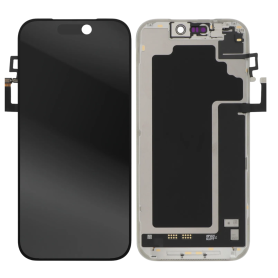
Screen iPhone 17 Pro (Original Refurbished)
Product Name: Screen iPhone 17 (Original Refurbished)
Key Features:
Premium Quality Display: Experience vibrant colors and crystal-clear visuals with our expertly refurbished original iPhone 17 screen, ensuring a seamless integration with your device.
Precision Refurbishment: Each screen undergoes rigorous testing and meticulous restoration processes, guaranteeing peak performance and reliability synonymous with the original.
Enhanced Durability: Crafted with robust materials to resist scratches and minor impacts, this screen promises longevity while maintaining the sleek aesthetic of your iPhone 17.
Touch Sensitivity: Enjoy impeccable touch responsiveness and accuracy, offering you fluid navigation and effortless interaction with apps and functions.
Eco-Friendly Choice: Opt for sustainability with our refurbished screen, contributing to reduced electronic waste and promoting environmentally friendly practices without compromising on quality.
Cost-Effective: Receive exceptional value for your investment, offering you high-quality technology without the premium price tag of new components.
Easy Installation: Designed for hassle-free installation, allowing enthusiasts and professionals alike to replace screens with confidence and ease.
Compatibility Assurance: Perfectly tailored to fit the iPhone 17, providing a seamless look and functionality without any compromise.
Upgrade your viewing experience while supporting a sustainable future with our Screen iPhone 17 (Original Refurbished).
Key Features:
Premium Quality Display: Experience vibrant colors and crystal-clear visuals with our expertly refurbished original iPhone 17 screen, ensuring a seamless integration with your device.
Precision Refurbishment: Each screen undergoes rigorous testing and meticulous restoration processes, guaranteeing peak performance and reliability synonymous with the original.
Enhanced Durability: Crafted with robust materials to resist scratches and minor impacts, this screen promises longevity while maintaining the sleek aesthetic of your iPhone 17.
Touch Sensitivity: Enjoy impeccable touch responsiveness and accuracy, offering you fluid navigation and effortless interaction with apps and functions.
Eco-Friendly Choice: Opt for sustainability with our refurbished screen, contributing to reduced electronic waste and promoting environmentally friendly practices without compromising on quality.
Cost-Effective: Receive exceptional value for your investment, offering you high-quality technology without the premium price tag of new components.
Easy Installation: Designed for hassle-free installation, allowing enthusiasts and professionals alike to replace screens with confidence and ease.
Compatibility Assurance: Perfectly tailored to fit the iPhone 17, providing a seamless look and functionality without any compromise.
Upgrade your viewing experience while supporting a sustainable future with our Screen iPhone 17 (Original Refurbished).
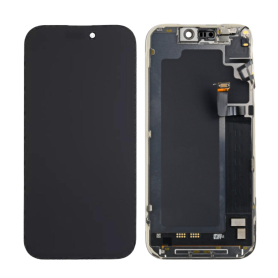
Screen iPhone 17 Pro (Original Disassembled) - Grade A
Product Name: Screen iPhone 17 Pro (Original Disassembled) - Grade A
Key Features:
Original Quality Assurance: This iPhone 17 Pro screen is an original disassembled component, ensuring authentic Apple quality and performance. Each unit is sourced directly from manufacturers aligned with Apple specifications.
Grade A Condition: Rated as Grade A, the screen is in pristine condition, meticulously tested to guarantee flawless display and touch sensitivity. Expect perfect brightness, vibrant colors, and optimal screen responsiveness.
Precision Compatibility: Specifically designed for the iPhone 17 Pro, ensuring seamless compatibility with all functions and features of the phone, including face recognition, True Tone, and haptic touch.
Retina XDR Display Technology: Experience cutting-edge visual clarity with support for HDR10 and Dolby Vision, providing an unparalleled viewing experience with deep blacks and a wide color gamut, ideal for high-definition content.
Easy Installation: Comes with detailed installation instructions and tools, making it straightforward for professionals and seasoned DIY enthusiasts to replace without technical hassle.
Sustainable Choice: Utilizing disassembled components supports environmental sustainability by promoting the recycling of high-quality parts, reducing electronic waste.
Warranty and Support: Backed by a limited warranty offering peace of mind, coupled with responsive customer service to assist with any queries post-purchase.
Upgrade your iPhone 17 Pro with assurance, knowing you’re choosing a screen that offers the best in terms of quality, sustainability, and user experience.
Key Features:
Original Quality Assurance: This iPhone 17 Pro screen is an original disassembled component, ensuring authentic Apple quality and performance. Each unit is sourced directly from manufacturers aligned with Apple specifications.
Grade A Condition: Rated as Grade A, the screen is in pristine condition, meticulously tested to guarantee flawless display and touch sensitivity. Expect perfect brightness, vibrant colors, and optimal screen responsiveness.
Precision Compatibility: Specifically designed for the iPhone 17 Pro, ensuring seamless compatibility with all functions and features of the phone, including face recognition, True Tone, and haptic touch.
Retina XDR Display Technology: Experience cutting-edge visual clarity with support for HDR10 and Dolby Vision, providing an unparalleled viewing experience with deep blacks and a wide color gamut, ideal for high-definition content.
Easy Installation: Comes with detailed installation instructions and tools, making it straightforward for professionals and seasoned DIY enthusiasts to replace without technical hassle.
Sustainable Choice: Utilizing disassembled components supports environmental sustainability by promoting the recycling of high-quality parts, reducing electronic waste.
Warranty and Support: Backed by a limited warranty offering peace of mind, coupled with responsive customer service to assist with any queries post-purchase.
Upgrade your iPhone 17 Pro with assurance, knowing you’re choosing a screen that offers the best in terms of quality, sustainability, and user experience.
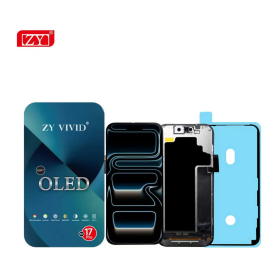
Screen iPhone 17 Pro (Soft OLED) ZY - 1:1 120Hz - Diagnosable
Use Repair Assistant to Finish an iPhone or iPad Repair
On an iPhone 12 or later running iOS 18, when a new Apple screen is installed,“Finish Repair” will appear next to Screen until you complete the repair using the Repair Assistant.
On an iPhone 12 or later running iOS 18, it is possible to reuse an original Apple screen on another iPhone of the same model.
The date of first use and the condition of the screen can be found in Settings > General > About > Parts & Service History.
How to Run Diagnostics & Finish Repair for iPhone Screen
1. Ensure your device is updated to iOS 18
2. Go to Settings > General > About > Parts & Service History
3. Tap "Restart & Finish Repair" to activate the Repair Assistant
4. Follow the on-screen instructions to complete the calibration
After completing this process, your screen will be fully functional, and there will be no pop-up warning about non-genuine parts.
Important Notes:
Your iPhone must be connected to Wi-Fi
Your battery level should be above 20%
If the process fails, restart your device and try again
If the repair is not completed, the screen may not function optimally, and some features (True Tone, Face ID) may be disabled until calibration is finalized

Screen iPhone 17 Pro (INCELL) ZY - COF - FHD1080p - 120Hz - Diagnosable
Use Repair Assistant to Finish an iPhone or iPad Repair
On an iPhone 12 or later running iOS 18, when a new Apple screen is installed,“Finish Repair” will appear next to Screen until you complete the repair using the Repair Assistant.
On an iPhone 12 or later running iOS 18, it is possible to reuse an original Apple screen on another iPhone of the same model.
The date of first use and the condition of the screen can be found in Settings > General > About > Parts & Service History.
How to Run Diagnostics & Finish Repair for iPhone Screen
1. Ensure your device is updated to iOS 18
2. Go to Settings > General > About > Parts & Service History
3. Tap "Restart & Finish Repair" to activate the Repair Assistant
4. Follow the on-screen instructions to complete the calibration
After completing this process, your screen will be fully functional, and there will be no pop-up warning about non-genuine parts.
Important Notes:
Your iPhone must be connected to Wi-Fi
Your battery level should be above 20%
If the process fails, restart your device and try again
If the repair is not completed, the screen may not function optimally, and some features (True Tone, Face ID) may be disabled until calibration is finalized
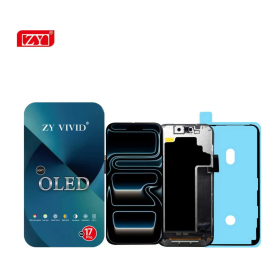
Screen iPhone 17 Pro (Soft OLED) ZY - 1:1 120Hz
Screen iPhone 17 Pro (Soft OLED) ZY - 1:1 120Hz: Soft OLED replacement screen for iPhone 17 Pro. IC, 1:1 construction and 120 Hz display according to the supplier specification. Designed for repair professionals; check the exact phone model before installation.
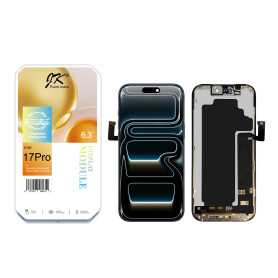
Screen iPhone 17 Pro (LTPS) JK - COF - FHD1080p
Introducing the Screen for iPhone 17 Pro (LTPS) JK - COF - FHD1080p, a premium display replacement designed to restore your device's visual brilliance. Key features include:
Advanced LTPS Technology: Enjoy superior energy efficiency and faster response times with Low-Temperature Polycrystalline Silicon (LTPS) technology, ensuring vibrant colors and sharp images.
Full HD 1080p Resolution: Experience crystal-clear visuals with a Full High Definition display, offering exceptional clarity and detail for all your multimedia needs.
COF Integration: The Chip-on-Film (COF) design enhances durability and reliability, providing seamless integration with your device's hardware for optimal performance.
True-to-Life Color Accuracy: Benefit from a wide color gamut and precise color reproduction, making your photos, videos, and apps look more lifelike and immersive.
Enhanced Brightness and Contrast: With improved brightness levels and contrast ratios, enjoy better visibility in various lighting conditions, whether indoors or outdoors.
Touch Sensitivity: Maintain the original touch responsiveness of your device, ensuring smooth and accurate interaction with every swipe and tap.
Upgrade your iPhone 17 Pro with this high-quality screen replacement and enjoy a revitalized viewing experience.
Advanced LTPS Technology: Enjoy superior energy efficiency and faster response times with Low-Temperature Polycrystalline Silicon (LTPS) technology, ensuring vibrant colors and sharp images.
Full HD 1080p Resolution: Experience crystal-clear visuals with a Full High Definition display, offering exceptional clarity and detail for all your multimedia needs.
COF Integration: The Chip-on-Film (COF) design enhances durability and reliability, providing seamless integration with your device's hardware for optimal performance.
True-to-Life Color Accuracy: Benefit from a wide color gamut and precise color reproduction, making your photos, videos, and apps look more lifelike and immersive.
Enhanced Brightness and Contrast: With improved brightness levels and contrast ratios, enjoy better visibility in various lighting conditions, whether indoors or outdoors.
Touch Sensitivity: Maintain the original touch responsiveness of your device, ensuring smooth and accurate interaction with every swipe and tap.
Upgrade your iPhone 17 Pro with this high-quality screen replacement and enjoy a revitalized viewing experience.
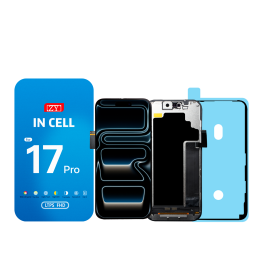
Screen iPhone 17 Pro (INCELL) ZY - LTPS - Support IC Change - FHD1080p - 120HZ
Advantages LTPS TFT OLED Pixel resolution FHD1080p Same as original HD 720p Same as original Power consumption 10% power savings compared to TFT quality Normal power consumption 20% power savings compared to TFT quality. Response time Fast response Normal response Response same as original Image quality High image quality with vivid colors. Normal display More vivid colors, perfect blacks. Cost Excellent quality and cost. Best cost Steadily decreasing production cost. After-sales feedback After-sales service rate 0.1% After-sales service rate 0.3% After-sales service rate 0.2% Phone thickness with screen (7.65 mm original) 7.75 mm 7.80 mm 7.65 mm
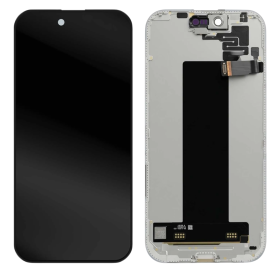
Screen iPhone 17 Air (Original Refurbished)
Key Features of Screen iPhone 17 Pro (Original Refurbished):
Premium Display Quality: Enjoy vibrant colors and sharp details with the 6.1-inch Super Retina XDR display, meticulously refurbished to ensure outstanding visual performance.
Advanced Touch Sensitivity: Experience unrivaled touch responsiveness with TrueTouch technology, ensuring seamless interaction and precision whether you're swiping, tapping, or gaming.
Ceramic Shield Protection: Safeguarded with Ceramic Shield, offering four times better drop protection, keeping your screen pristine and resistant to everyday wear and tear.
Certified Original Components: Each screen is sourced from original iPhone 17 Pro models, guaranteeing full compatibility, optimal performance, and the assurance of Apple’s engineering excellence.
Eco-Friendly Choice: Contribute to sustainability by choosing a refurbished product. Our refurbishment process emphasizes reducing electronic waste while delivering quality.
Strict Quality Checks: Undergoes rigorous testing and quality control protocols to meet the highest standards in performance and durability.
Warranty Coverage: Comes with a limited warranty to provide peace of mind and ensure you have a superior product experience.
Rediscover your iPhone’s potential with this expertly refurbished screen, merging innovation, quality, and sustainability.
Premium Display Quality: Enjoy vibrant colors and sharp details with the 6.1-inch Super Retina XDR display, meticulously refurbished to ensure outstanding visual performance.
Advanced Touch Sensitivity: Experience unrivaled touch responsiveness with TrueTouch technology, ensuring seamless interaction and precision whether you're swiping, tapping, or gaming.
Ceramic Shield Protection: Safeguarded with Ceramic Shield, offering four times better drop protection, keeping your screen pristine and resistant to everyday wear and tear.
Certified Original Components: Each screen is sourced from original iPhone 17 Pro models, guaranteeing full compatibility, optimal performance, and the assurance of Apple’s engineering excellence.
Eco-Friendly Choice: Contribute to sustainability by choosing a refurbished product. Our refurbishment process emphasizes reducing electronic waste while delivering quality.
Strict Quality Checks: Undergoes rigorous testing and quality control protocols to meet the highest standards in performance and durability.
Warranty Coverage: Comes with a limited warranty to provide peace of mind and ensure you have a superior product experience.
Rediscover your iPhone’s potential with this expertly refurbished screen, merging innovation, quality, and sustainability.
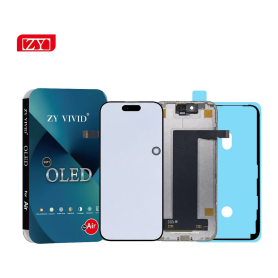
Screen iPhone 17 Air (Soft OLED) ZY
Screen iPhone 17 Air (Soft OLED) ZY: Soft OLED replacement screen for iPhone 17 Air. Designed for repair professionals; check the exact phone model before installation.
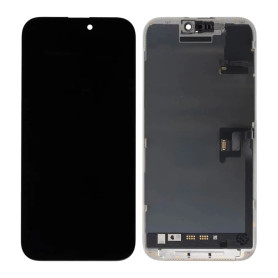
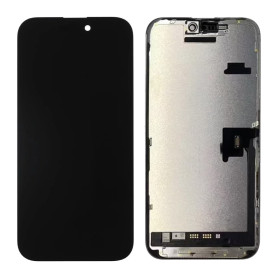
Screen iPhone 16 Pro (Original Disassembled) - Grade A
Key Features of Screen iPhone 16 Pro (Original Disassembled) - Grade A:
Authentic Quality: This screen is an original, disassembled component from the iPhone 16 Pro, ensuring perfect compatibility and performance.
Grade A Condition: Meticulously inspected to meet Grade A standards, offering pristine clarity and functionality with no visible scratches or blemishes.
Super Retina XDR Display: Experience vibrant colors and deep contrasts with the Super Retina XDR technology, delivering an immersive viewing experience.
True Tone Technology: Automatically adjusts the white balance to match the light around you for a more natural viewing experience.
Haptic Touch Support: Enjoy responsive and tactile feedback with Haptic Touch, enhancing your interaction with the device.
Face ID Compatibility: Fully supports Face ID functionality, ensuring seamless security and convenience.
Easy Installation: Designed for straightforward installation, making it ideal for professional repair technicians.
Eco-Friendly Option: By choosing a disassembled original screen, you contribute to reducing electronic waste and promoting sustainability.
Warranty Included: Comes with a limited warranty, providing peace of mind and assurance of quality.
This screen replacement is perfect for restoring your iPhone 16 Pro to its original glory, maintaining both aesthetic and functional integrity.
Authentic Quality: This screen is an original, disassembled component from the iPhone 16 Pro, ensuring perfect compatibility and performance.
Grade A Condition: Meticulously inspected to meet Grade A standards, offering pristine clarity and functionality with no visible scratches or blemishes.
Super Retina XDR Display: Experience vibrant colors and deep contrasts with the Super Retina XDR technology, delivering an immersive viewing experience.
True Tone Technology: Automatically adjusts the white balance to match the light around you for a more natural viewing experience.
Haptic Touch Support: Enjoy responsive and tactile feedback with Haptic Touch, enhancing your interaction with the device.
Face ID Compatibility: Fully supports Face ID functionality, ensuring seamless security and convenience.
Easy Installation: Designed for straightforward installation, making it ideal for professional repair technicians.
Eco-Friendly Option: By choosing a disassembled original screen, you contribute to reducing electronic waste and promoting sustainability.
Warranty Included: Comes with a limited warranty, providing peace of mind and assurance of quality.
This screen replacement is perfect for restoring your iPhone 16 Pro to its original glory, maintaining both aesthetic and functional integrity.
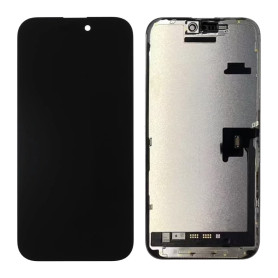
Screen iPhone 16 Pro (Original Disassembled) - Grade B
Main Features of the iPhone 16 Pro Screen (Original Disassembled) - Grade B: Authenticity and Compatibility: Original disassembled screen specifically designed for the iPhone 16 Pro, ensuring perfect compatibility with your device for optimal performance. Grade B Quality: While showing slight cosmetic imperfections such as small scratches or marks, this screen retains full functionality and exceptional display quality. Retina Display: Enjoy a high-definition resolution with vivid colors and enhanced contrast, true to the premium visual experience of the iPhone 16 Pro. Intact Touch Functionality: Precise and responsive touch sensitivity, ensuring smooth navigation and flawless interaction with your device. Easy Installation: Designed for easy replacement, this screen is ideal for DIY repairs or professional technicians. Cost Savings and Eco-Friendliness: Choose an economical and environmentally friendly solution by reusing original components. Limited Warranty: Benefit from a limited warranty, providing extra peace of mind with your purchase.
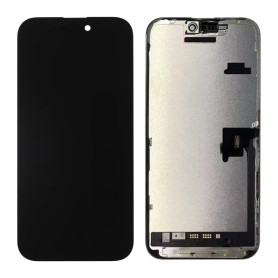
Screen iPhone 16 Pro (Original Refurbished)
This screen is genuinely Origine, but it does not allow removing the error message. Each phone has a screen with a unique serial number, and only the Apple Store can program this serial number. However, this error message only remains for a few weeks.
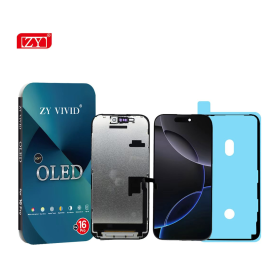
Screen iPhone 16 Pro (Soft OLED) ZY - 1:1 120Hz - Diagnosable
Use Repair Assistant to Finish an iPhone or iPad Repair
On an iPhone 12 or later running iOS 18, when a new Apple screen is installed,“Finish Repair” will appear next to Screen until you complete the repair using the Repair Assistant.
On an iPhone 12 or later running iOS 18, it is possible to reuse an original Apple screen on another iPhone of the same model.
The date of first use and the condition of the screen can be found in Settings > General > About > Parts & Service History.
How to Run Diagnostics & Finish Repair for iPhone Screen
1. Ensure your device is updated to iOS 18
2. Go to Settings > General > About > Parts & Service History
3. Tap "Restart & Finish Repair" to activate the Repair Assistant
4. Follow the on-screen instructions to complete the calibration
After completing this process, your screen will be fully functional, and there will be no pop-up warning about non-genuine parts.
Important Notes:
Your iPhone must be connected to Wi-Fi
Your battery level should be above 20%
If the process fails, restart your device and try again
If the repair is not completed, the screen may not function optimally, and some features (True Tone, Face ID) may be disabled until calibration is finalized
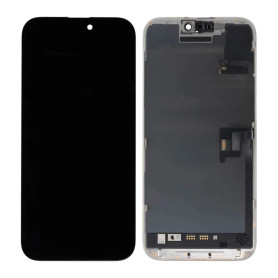
Screen iPhone 16 Pro (OEM) Hard Oled - Diagnosable - No Pop-up - 120Hz
Use Repair Assistant to Finish an iPhone or iPad Repair
On an iPhone 12 or later running iOS 18, when a new Apple screen is installed,“Finish Repair” will appear next to Screen until you complete the repair using the Repair Assistant.
On an iPhone 12 or later running iOS 18, it is possible to reuse an original Apple screen on another iPhone of the same model.
The date of first use and the condition of the screen can be found in Settings > General > About > Parts & Service History.
How to Run Diagnostics & Finish Repair for iPhone Screen
1. Ensure your device is updated to iOS 18
2. Go to Settings > General > About > Parts & Service History
3. Tap "Restart & Finish Repair" to activate the Repair Assistant
4. Follow the on-screen instructions to complete the calibration
After completing this process, your screen will be fully functional, and there will be no pop-up warning about non-genuine parts.
Important Notes:
Your iPhone must be connected to Wi-Fi
Your battery level should be above 20%
If the process fails, restart your device and try again
If the repair is not completed, the screen may not function optimally, and some features (True Tone, Face ID) may be disabled until calibration is finalized

Screen iPhone 16 Pro (INCELL) ZY - COF - FHD1080p - 120Hz - Diagnosable
Use Repair Assistant to Finish an iPhone or iPad Repair
On an iPhone 12 or later running iOS 18, when a new Apple screen is installed,“Finish Repair” will appear next to Screen until you complete the repair using the Repair Assistant.
On an iPhone 12 or later running iOS 18, it is possible to reuse an original Apple screen on another iPhone of the same model.
The date of first use and the condition of the screen can be found in Settings > General > About > Parts & Service History.
How to Run Diagnostics & Finish Repair for iPhone Screen
1. Ensure your device is updated to iOS 18
2. Go to Settings > General > About > Parts & Service History
3. Tap "Restart & Finish Repair" to activate the Repair Assistant
4. Follow the on-screen instructions to complete the calibration
After completing this process, your screen will be fully functional, and there will be no pop-up warning about non-genuine parts.
Important Notes:
Your iPhone must be connected to Wi-Fi
Your battery level should be above 20%
If the process fails, restart your device and try again
If the repair is not completed, the screen may not function optimally, and some features (True Tone, Face ID) may be disabled until calibration is finalized
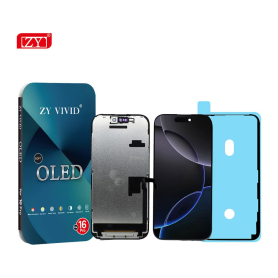
Screen iPhone 16 Pro (Soft OLED) ZY - 1:1 120Hz
Screen iPhone 16 Pro (Soft OLED) ZY - 1:1 120Hz: Soft OLED replacement screen for iPhone 16 Pro. IC, 1:1 construction and 120 Hz display according to the supplier specification. Designed for repair professionals; check the exact phone model before installation.

Screen iPhone 16 Pro (INCELL) ZY - LTPS - FHD1080p - 120Hz
Advantages LTPS TFT OLED Pixel resolution FHD1080p Same as original HD 720p Same as original Power consumption 10% power savings compared to TFT quality Normal power consumption 20% power savings compared to TFT quality. Response time Fast response Normal response Response same as original Image quality High image quality with vivid colors. Normal display More vivid colors, perfect blacks. Cost Excellent quality and cost. Best cost Steadily decreasing production cost. After-sales feedback After-sales service rate 0.1% After-sales service rate 0.3% After-sales service rate 0.2% Phone thickness with screen (7.65 mm original) 7.75 mm 7.80 mm 7.65 mm
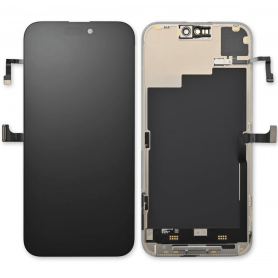


Screen iPhone 16 Plus (Original Refurbished)
This screen is genuinely Origine, but it does not allow removing the error message. Each phone has a screen with a unique serial number, and only the Apple Store can program this serial number. However, this error message only remains for a few weeks.
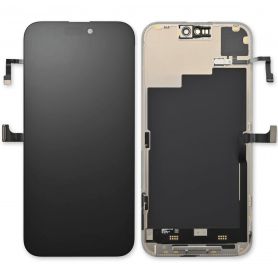
Screen iPhone 16 Plus (Original Disassembled)- Grade B
This screen is genuinely Origine, but it does not allow removing the error message. Each phone has a screen with a unique serial number, and only the Apple Store can program this serial number. However, this error message only remains for a few weeks.
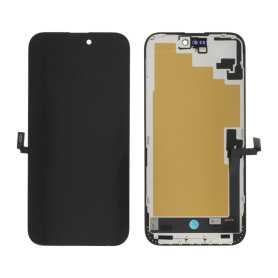
Screen iPhone 16 Plus (OEM) Soft Oled - Diagnosable - No Pop-up
Use Repair Assistant to Finish an iPhone or iPad Repair
On an iPhone 12 or later running iOS 18, when a new Apple screen is installed,“Finish Repair” will appear next to Screen until you complete the repair using the Repair Assistant.
On an iPhone 12 or later running iOS 18, it is possible to reuse an original Apple screen on another iPhone of the same model.
The date of first use and the condition of the screen can be found in Settings > General > About > Parts & Service History.
How to Run Diagnostics & Finish Repair for iPhone Screen
1. Ensure your device is updated to iOS 18
2. Go to Settings > General > About > Parts & Service History
3. Tap "Restart & Finish Repair" to activate the Repair Assistant
4. Follow the on-screen instructions to complete the calibration
After completing this process, your screen will be fully functional, and there will be no pop-up warning about non-genuine parts.
Important Notes:
Your iPhone must be connected to Wi-Fi
Your battery level should be above 20%
If the process fails, restart your device and try again
If the repair is not completed, the screen may not function optimally, and some features (True Tone, Face ID) may be disabled until calibration is finalized
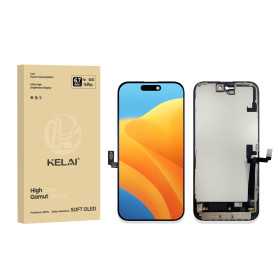
Screen iPhone 16 Plus (Soft OLED) KELAI - Diagnostic
Use Repair Assistant to Finish an iPhone or iPad Repair
On an iPhone 12 or later running iOS 18, when a new Apple screen is installed,“Finish Repair” will appear next to Screen until you complete the repair using the Repair Assistant.
On an iPhone 12 or later running iOS 18, it is possible to reuse an original Apple screen on another iPhone of the same model.
The date of first use and the condition of the screen can be found in Settings > General > About > Parts & Service History.
How to Run Diagnostics & Finish Repair for iPhone Screen
1. Ensure your device is updated to iOS 18
2. Go to Settings > General > About > Parts & Service History
3. Tap "Restart & Finish Repair" to activate the Repair Assistant
4. Follow the on-screen instructions to complete the calibration
After completing this process, your screen will be fully functional, and there will be no pop-up warning about non-genuine parts.
Important Notes:
Your iPhone must be connected to Wi-Fi
Your battery level should be above 20%
If the process fails, restart your device and try again
If the repair is not completed, the screen may not function optimally, and some features (True Tone, Face ID) may be disabled until calibration is finalized

Screen iPhone 16 Plus (INCELL) ZY - COF - FHD1080p - Diagnosable
Use Repair Assistant to Finish an iPhone or iPad Repair
On an iPhone 12 or later running iOS 18, when a new Apple screen is installed,“Finish Repair” will appear next to Screen until you complete the repair using the Repair Assistant.
On an iPhone 12 or later running iOS 18, it is possible to reuse an original Apple screen on another iPhone of the same model.
The date of first use and the condition of the screen can be found in Settings > General > About > Parts & Service History.
How to Run Diagnostics & Finish Repair for iPhone Screen
1. Ensure your device is updated to iOS 18
2. Go to Settings > General > About > Parts & Service History
3. Tap "Restart & Finish Repair" to activate the Repair Assistant
4. Follow the on-screen instructions to complete the calibration
After completing this process, your screen will be fully functional, and there will be no pop-up warning about non-genuine parts.
Important Notes:
Your iPhone must be connected to Wi-Fi
Your battery level should be above 20%
If the process fails, restart your device and try again
If the repair is not completed, the screen may not function optimally, and some features (True Tone, Face ID) may be disabled until calibration is finalized
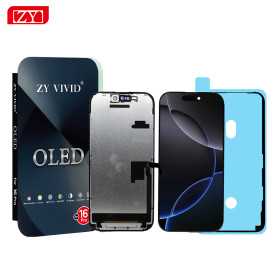
Screen iPhone 16 Plus (OLED) ZY - Diagnosable
Use Repair Assistant to Finish an iPhone or iPad Repair
On an iPhone 12 or later running iOS 18, when a new Apple screen is installed,“Finish Repair” will appear next to Screen until you complete the repair using the Repair Assistant.
On an iPhone 12 or later running iOS 18, it is possible to reuse an original Apple screen on another iPhone of the same model.
The date of first use and the condition of the screen can be found in Settings > General > About > Parts & Service History.
How to Run Diagnostics & Finish Repair for iPhone Screen
1. Ensure your device is updated to iOS 18
2. Go to Settings > General > About > Parts & Service History
3. Tap "Restart & Finish Repair" to activate the Repair Assistant
4. Follow the on-screen instructions to complete the calibration
After completing this process, your screen will be fully functional, and there will be no pop-up warning about non-genuine parts.
Important Notes:
Your iPhone must be connected to Wi-Fi
Your battery level should be above 20%
If the process fails, restart your device and try again
If the repair is not completed, the screen may not function optimally, and some features (True Tone, Face ID) may be disabled until calibration is finalized

Screen iPhone 16 Plus (Soft Oled) DD - IC - Original Size / Thickness
Soft OLED replacement screen for iPhone 16 Plus. DD-IC range with original size and thickness. Reference: DD16Plus. Designed for professional repair. Check the device model and test the display and touch functions before closing the device. 12-month warranty.
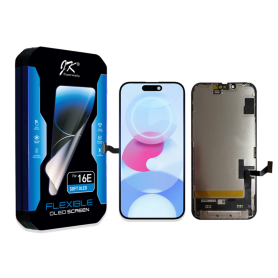
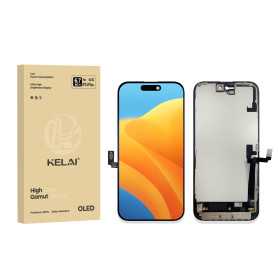
Screen iPhone 16 Plus (Hard OLED) KELAI - Support IC Change
Key Features of the Screen iPhone 16 Plus (Hard OLED) KELAI:
Hard OLED Technology: Experience vibrant colors and deep contrasts with the Hard OLED display, which offers superior visual clarity compared to traditional LCD screens.
Support IC Change: Enjoy seamless compatibility with IC changes, ensuring that the screen functions optimally with your device's hardware.
Original Size and Thickness: Designed to match the original specifications of the iPhone 16 Plus, this screen guarantees a perfect fit and maintains the device's sleek profile.
High Durability: Built with robust materials that resist scratches and impacts, providing long-lasting protection for your device.
Enhanced Touch Sensitivity: Offers a highly responsive touch experience, ensuring smooth navigation and interaction with your phone.
Energy Efficient: Optimized for energy efficiency, helping to preserve battery life even with its bright and vivid display.
Easy Installation: Designed for straightforward installation, minimizing downtime and allowing you to get back to using your phone quickly.
Quality Assurance: Backed by rigorous quality checks to ensure reliable performance and longevity.
Hard OLED Technology: Experience vibrant colors and deep contrasts with the Hard OLED display, which offers superior visual clarity compared to traditional LCD screens.
Support IC Change: Enjoy seamless compatibility with IC changes, ensuring that the screen functions optimally with your device's hardware.
Original Size and Thickness: Designed to match the original specifications of the iPhone 16 Plus, this screen guarantees a perfect fit and maintains the device's sleek profile.
High Durability: Built with robust materials that resist scratches and impacts, providing long-lasting protection for your device.
Enhanced Touch Sensitivity: Offers a highly responsive touch experience, ensuring smooth navigation and interaction with your phone.
Energy Efficient: Optimized for energy efficiency, helping to preserve battery life even with its bright and vivid display.
Easy Installation: Designed for straightforward installation, minimizing downtime and allowing you to get back to using your phone quickly.
Quality Assurance: Backed by rigorous quality checks to ensure reliable performance and longevity.
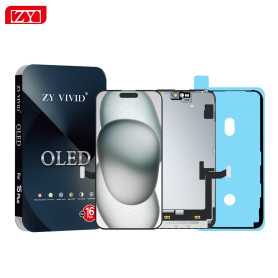
Screen iPhone 16 Plus (Hard OLED) ZY - Support IC Change
Key Features of Screen iPhone 16 Plus (Hard OLED) ZY - Support IC Change:
Advanced Hard OLED Technology: Experience vibrant colors and deep contrasts with the latest Hard OLED display, offering superior visual clarity and energy efficiency for your iPhone 16 Plus.
IC Change Support: Designed with flexibility in mind, this screen supports IC change, allowing for easier repairs and maintenance, ensuring longevity and optimal performance of your device.
Precision Fit: Engineered to perfectly match the dimensions and specifications of the iPhone 16 Plus, ensuring seamless integration and a flawless look.
Durability and Strength: Built with robust materials to withstand daily wear and tear, providing enhanced durability without compromising on display quality.
Touch Sensitivity: Enjoy a responsive and smooth touch experience, with high sensitivity that accurately registers every tap, swipe, and gesture.
Easy Installation: Comes with a user-friendly installation kit, making it convenient for both professionals and DIY enthusiasts to replace the screen with minimal hassle.
Eco-Friendly Design: Manufactured with environmentally friendly processes and materials, aligning with sustainable practices.
Warranty and Support: Backed by a comprehensive warranty and dedicated customer support to ensure peace of mind and satisfaction with your purchase.
Advanced Hard OLED Technology: Experience vibrant colors and deep contrasts with the latest Hard OLED display, offering superior visual clarity and energy efficiency for your iPhone 16 Plus.
IC Change Support: Designed with flexibility in mind, this screen supports IC change, allowing for easier repairs and maintenance, ensuring longevity and optimal performance of your device.
Precision Fit: Engineered to perfectly match the dimensions and specifications of the iPhone 16 Plus, ensuring seamless integration and a flawless look.
Durability and Strength: Built with robust materials to withstand daily wear and tear, providing enhanced durability without compromising on display quality.
Touch Sensitivity: Enjoy a responsive and smooth touch experience, with high sensitivity that accurately registers every tap, swipe, and gesture.
Easy Installation: Comes with a user-friendly installation kit, making it convenient for both professionals and DIY enthusiasts to replace the screen with minimal hassle.
Eco-Friendly Design: Manufactured with environmentally friendly processes and materials, aligning with sustainable practices.
Warranty and Support: Backed by a comprehensive warranty and dedicated customer support to ensure peace of mind and satisfaction with your purchase.

Screen iPhone 16 Plus (LTPS) JK - COF - FHD1080p
Advantages
LTPS
TFT
OLED
Pixel resolution
FHD1080p Same as original
HD 720p
Same as original
Power consumption
10% power savings compared to TFT quality
Normal power consumption
20% power savings compared to TFT quality.
Response time
Fast response
Normal response
Response same as original
Image quality
High image quality with vivid colors.
Normal display
More vivid colors, perfect blacks.
Cost
Excellent quality and cost.
Best cost
Production cost steadily decreasing.
After-sales feedback
After-sales rate 0.1%
After-sales rate 0.3%
After-sales rate 0.2%
Phone thickness with screen (7.65 mm original)
7.75 mm
7.80 mm
7.65 mm

Screen iPhone 16 Plus (INCELL) ZY - LTPS - FHD1080p
Advantages LTPS TFT OLED Pixel resolution FHD1080p Same as original HD 720p Same as original Power consumption 10% power savings compared to TFT quality Normal power consumption 20% power savings compared to TFT quality. Response time Fast response Normal response Response same as original Image quality High image quality with vivid colors. Normal display More vivid colors, perfect blacks. Cost Excellent quality and cost. Best cost Steadily decreasing production cost. After-sales feedback After-sales service rate 0.1% After-sales service rate 0.3% After-sales service rate 0.2% Phone thickness with screen (7.65 mm original) 7.75 mm 7.80 mm 7.65 mm


Screen iPhone 15 Pro Max (Original Disassembled) - Grade B
This screen is genuinely Origine, but it does not allow removing the error message. Each phone has a screen with a unique serial number, and only the Apple Store can program this serial number. However, this error message only remains for a few weeks.

Screen iPhone 15 Pro Max (Original Refurbished)
This screen is genuinely Origine, but it does not allow removing the error message. Each phone has a screen with a unique serial number, and only the Apple Store can program this serial number. However, this error message only remains for a few weeks.
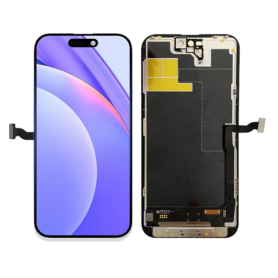
Screen iPhone 15 Pro Max (OEM) Soft Oled - Diagnosable - No Pop-up - 120Hz
Use Repair Assistant to Finish an iPhone or iPad Repair
On an iPhone 12 or later running iOS 18, when a new Apple screen is installed,“Finish Repair” will appear next to Screen until you complete the repair using the Repair Assistant.
On an iPhone 12 or later running iOS 18, it is possible to reuse an original Apple screen on another iPhone of the same model.
The date of first use and the condition of the screen can be found in Settings > General > About > Parts & Service History.
How to Run Diagnostics & Finish Repair for iPhone Screen
1. Ensure your device is updated to iOS 18
2. Go to Settings > General > About > Parts & Service History
3. Tap "Restart & Finish Repair" to activate the Repair Assistant
4. Follow the on-screen instructions to complete the calibration
After completing this process, your screen will be fully functional, and there will be no pop-up warning about non-genuine parts.
Important Notes:
Your iPhone must be connected to Wi-Fi
Your battery level should be above 20%
If the process fails, restart your device and try again
If the repair is not completed, the screen may not function optimally, and some features (True Tone, Face ID) may be disabled until calibration is finalized
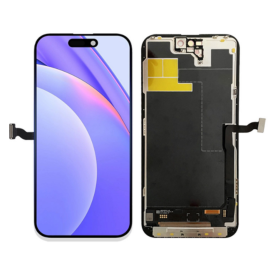
Screen iPhone 15 Pro Max (Soft OLED) KELAI - Diagnostic
Use Repair Assistant to Finish an iPhone or iPad Repair
On an iPhone 12 or later running iOS 18, when a new Apple screen is installed,“Finish Repair” will appear next to Screen until you complete the repair using the Repair Assistant.
On an iPhone 12 or later running iOS 18, it is possible to reuse an original Apple screen on another iPhone of the same model.
The date of first use and the condition of the screen can be found in Settings > General > About > Parts & Service History.
How to Run Diagnostics & Finish Repair for iPhone Screen
1. Ensure your device is updated to iOS 18
2. Go to Settings > General > About > Parts & Service History
3. Tap "Restart & Finish Repair" to activate the Repair Assistant
4. Follow the on-screen instructions to complete the calibration
After completing this process, your screen will be fully functional, and there will be no pop-up warning about non-genuine parts.
Important Notes:
Your iPhone must be connected to Wi-Fi
Your battery level should be above 20%
If the process fails, restart your device and try again
If the repair is not completed, the screen may not function optimally, and some features (True Tone, Face ID) may be disabled until calibration is finalized
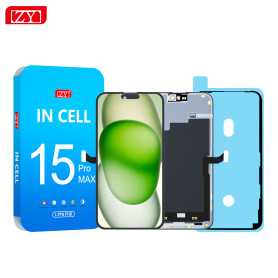
Screen iPhone 15 Pro Max (INCELL) ZY - COF - FHD1080p - 120Hz - Diagnosable
Use Repair Assistant to Finish an iPhone or iPad Repair
On an iPhone 12 or later running iOS 18, when a new Apple screen is installed,“Finish Repair” will appear next to Screen until you complete the repair using the Repair Assistant.
On an iPhone 12 or later running iOS 18, it is possible to reuse an original Apple screen on another iPhone of the same model.
The date of first use and the condition of the screen can be found in Settings > General > About > Parts & Service History.
How to Run Diagnostics & Finish Repair for iPhone Screen
1. Ensure your device is updated to iOS 18
2. Go to Settings > General > About > Parts & Service History
3. Tap "Restart & Finish Repair" to activate the Repair Assistant
4. Follow the on-screen instructions to complete the calibration
After completing this process, your screen will be fully functional, and there will be no pop-up warning about non-genuine parts.
Important Notes:
Your iPhone must be connected to Wi-Fi
Your battery level should be above 20%
If the process fails, restart your device and try again
If the repair is not completed, the screen may not function optimally, and some features (True Tone, Face ID) may be disabled until calibration is finalized
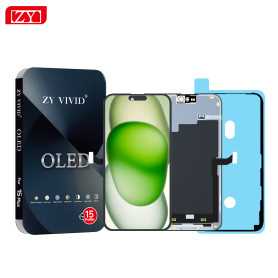
Screen iPhone 15 Pro Max (OLED) ZY - Diagnosable
Use Repair Assistant to Finish an iPhone or iPad Repair
On an iPhone 12 or later running iOS 18, when a new Apple screen is installed,“Finish Repair” will appear next to Screen until you complete the repair using the Repair Assistant.
On an iPhone 12 or later running iOS 18, it is possible to reuse an original Apple screen on another iPhone of the same model.
The date of first use and the condition of the screen can be found in Settings > General > About > Parts & Service History.
How to Run Diagnostics & Finish Repair for iPhone Screen
1. Ensure your device is updated to iOS 18
2. Go to Settings > General > About > Parts & Service History
3. Tap "Restart & Finish Repair" to activate the Repair Assistant
4. Follow the on-screen instructions to complete the calibration
After completing this process, your screen will be fully functional, and there will be no pop-up warning about non-genuine parts.
Important Notes:
Your iPhone must be connected to Wi-Fi
Your battery level should be above 20%
If the process fails, restart your device and try again
If the repair is not completed, the screen may not function optimally, and some features (True Tone, Face ID) may be disabled until calibration is finalized

Screen iPhone 15 Pro Max (Soft Oled) DD - IC - 120hz - Original Size / Thickness
Soft OLED replacement screen for iPhone 15 Pro Max. DD-IC range with original size and thickness. Listed refresh rate: 120 Hz. Reference: DD15PM. Designed for professional repair. Check the device model and test the display and touch functions before closing the device. 12-month warranty.


Screen iPhone 15 Pro Max (Hard OLED) ZY - Support IC Change
Key Features of the Screen iPhone 15 Pro Max (OLED) ZY:
Superior Display Quality: Featuring a state-of-the-art OLED panel, the Screen iPhone 15 Pro Max (OLED) ZY delivers stunning visuals with true-to-life colors, deep blacks, and exceptional contrast ratios, making every image vibrant and every video immersive.
High Resolution & Clarity: Enjoy a remarkable resolution that ensures clear and crisp details, enhancing your viewing experience whether you’re gaming, streaming, or browsing.
ProMotion Technology: With a refresh rate of up to 120Hz, this screen offers ultra-smooth transitions and a more responsive touch experience, perfect for high-intensity gaming and fast scrolling.
True Tone Display: The screen adapts to your environment’s lighting conditions, providing optimal white balance and the most comfortable viewing experience in any setting.
HDR Support: Experience high dynamic range content with brilliant highlights and rich details, offering a theater-like experience for your favorite shows and movies.
Ceramic Shield Technology: Designed with durability in mind, the screen incorporates a Ceramic Shield that significantly enhances toughness and resistance to scratches and drops.
Improved Energy Efficiency: The advanced OLED technology increases energy efficiency, which helps to preserve battery life without compromising on performance or display quality.
Edge-to-Edge Design: The seamless edge-to-edge design maximizes your screen real estate, offering an unparalleled and uninterrupted viewing experience.
Anti-Fingerprint Coating: Keep your screen pristine and smudge-free with a special coating that reduces fingerprints and makes cleaning effortless.
The Screen iPhone 15 Pro Max (OLED) ZY combines cutting-edge technology with innovative design, ensuring a top-tier display experience for all users.
Superior Display Quality: Featuring a state-of-the-art OLED panel, the Screen iPhone 15 Pro Max (OLED) ZY delivers stunning visuals with true-to-life colors, deep blacks, and exceptional contrast ratios, making every image vibrant and every video immersive.
High Resolution & Clarity: Enjoy a remarkable resolution that ensures clear and crisp details, enhancing your viewing experience whether you’re gaming, streaming, or browsing.
ProMotion Technology: With a refresh rate of up to 120Hz, this screen offers ultra-smooth transitions and a more responsive touch experience, perfect for high-intensity gaming and fast scrolling.
True Tone Display: The screen adapts to your environment’s lighting conditions, providing optimal white balance and the most comfortable viewing experience in any setting.
HDR Support: Experience high dynamic range content with brilliant highlights and rich details, offering a theater-like experience for your favorite shows and movies.
Ceramic Shield Technology: Designed with durability in mind, the screen incorporates a Ceramic Shield that significantly enhances toughness and resistance to scratches and drops.
Improved Energy Efficiency: The advanced OLED technology increases energy efficiency, which helps to preserve battery life without compromising on performance or display quality.
Edge-to-Edge Design: The seamless edge-to-edge design maximizes your screen real estate, offering an unparalleled and uninterrupted viewing experience.
Anti-Fingerprint Coating: Keep your screen pristine and smudge-free with a special coating that reduces fingerprints and makes cleaning effortless.
The Screen iPhone 15 Pro Max (OLED) ZY combines cutting-edge technology with innovative design, ensuring a top-tier display experience for all users.
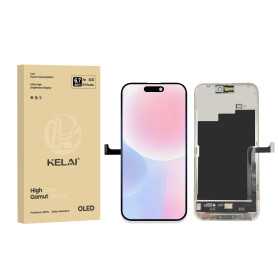
Screen iPhone 15 Pro Max (Soft OLED) KELAI - Support IC Change - 120HZ
Key Features of Screen iPhone 15 Pro Max (Soft OLED) KELAI
Soft OLED Technology: Experience vibrant and true-to-life visuals with the advanced Soft OLED display, ensuring excellent color accuracy and contrast for seamless viewing.
Original Size and Thickness: Designed to match the exact dimensions of the iPhone 15 Pro Max, this screen maintains the original size and thickness, ensuring a perfect fit and preserving the phone's sleek profile.
Support IC Change: Equipped with support for IC change, this screen facilitates efficient and convenient repairs or replacements, making it ideal for technicians and DIY enthusiasts.
High-Resolution Display: Benefit from a high-definition resolution that delivers crisp and clear images, making it perfect for viewing high-quality content and gaming.
Durable and Reliable: Built to last, the KELAI screen offers robust durability to withstand daily wear and tear, providing long-lasting performance.
Touch Sensitivity: Enjoy enhanced touch sensitivity and responsiveness, ensuring smooth navigation and interaction with your device.
Ease of Installation: Designed for hassle-free installation, allowing for a straightforward replacement process that saves time and effort.
Upgrade your iPhone 15 Pro Max with the KELAI Soft OLED screen for a premium viewing experience that combines quality and convenience.
Soft OLED Technology: Experience vibrant and true-to-life visuals with the advanced Soft OLED display, ensuring excellent color accuracy and contrast for seamless viewing.
Original Size and Thickness: Designed to match the exact dimensions of the iPhone 15 Pro Max, this screen maintains the original size and thickness, ensuring a perfect fit and preserving the phone's sleek profile.
Support IC Change: Equipped with support for IC change, this screen facilitates efficient and convenient repairs or replacements, making it ideal for technicians and DIY enthusiasts.
High-Resolution Display: Benefit from a high-definition resolution that delivers crisp and clear images, making it perfect for viewing high-quality content and gaming.
Durable and Reliable: Built to last, the KELAI screen offers robust durability to withstand daily wear and tear, providing long-lasting performance.
Touch Sensitivity: Enjoy enhanced touch sensitivity and responsiveness, ensuring smooth navigation and interaction with your device.
Ease of Installation: Designed for hassle-free installation, allowing for a straightforward replacement process that saves time and effort.
Upgrade your iPhone 15 Pro Max with the KELAI Soft OLED screen for a premium viewing experience that combines quality and convenience.

Screen iPhone 15 Pro Max (OLED) - Support IC Change
Screen for iPhone 15 Pro Max.Panel technology: Hard OLEDIC chip replacement supportedSpare part intended for repair shops and resellers. Installs as a replacement for the original part on the indicated device.

Screen iPhone 15 Pro Max (LTPS) JK - Support IC Change - 90Hz - FHD1080p
Advantages
LTPS
TFT
OLED
Pixel resolution
FHD1080p Same as original
HD 720p
Same as original
Power consumption
10% power savings compared to TFT quality
Normal power consumption
20% power savings compared to TFT quality.
Response time
Fast response
Normal response
Response same as original
Image quality
High image quality with vivid colors.
Normal display
More vivid colors, perfect blacks.
Cost
Excellent quality and cost.
Best cost
Production cost steadily decreasing.
After-sales feedback
After-sales rate 0.1%
After-sales rate 0.3%
After-sales rate 0.2%
Phone thickness with screen (7.65 mm original)
7.75 mm
7.80 mm
7.65 mm
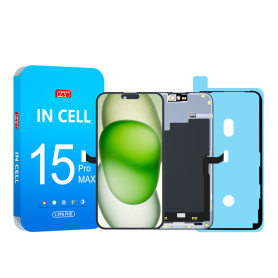
Screen iPhone 15 Pro Max (INCELL) ZY incell - LTPS - Support IC Change - 120Hz - FHD1080p
Advantages LTPS TFT OLED Pixel resolution FHD1080p Same as original HD 720p Same as original Power consumption 10% power savings compared to TFT quality Normal power consumption 20% power savings compared to TFT quality. Response time Fast response Normal response Response same as original Image quality High image quality with vivid colors. Normal display More vivid colors, perfect blacks. Cost Excellent quality and cost. Best cost Steadily decreasing production cost. After-sales feedback After-sales service rate 0.1% After-sales service rate 0.3% After-sales service rate 0.2% Phone thickness with screen (7.65 mm original) 7.75 mm 7.80 mm 7.65 mm
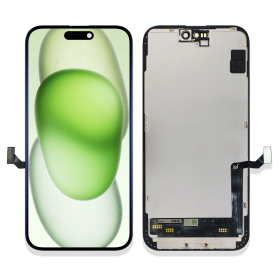
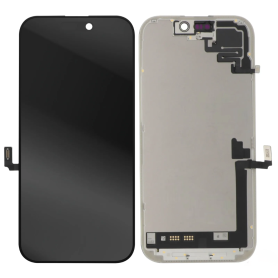
Screen iPhone 17 (Original Refurbished)
Main Features of the iPhone 17 Screen (Original Refurbished) Discover the iPhone 17 Original Refurbished Screen, an ideal choice for bringing your phone back to life with quality and reliability. This Retina LCD screen displays vivid colors and precise details for an exceptional visual experience. The 6.7-inch screen offers an impressive resolution of 2778 x 1284 pixels, ensuring unmatched clarity for watching videos, playing games, and viewing photos. Each screen has been rigorously tested and inspected to ensure it meets Apple's standards, while benefiting from a 12-month warranty for added peace of mind. The adjusted True Tone technology provides an optimal balance of brightness and colors according to the environment, reducing eye strain. Designed to be environmentally friendly, this refurbished screen helps reduce your carbon footprint. Easy installation and compatibility with all iPhone 17 models ensure a hassle-free user experience. Choose quality and durability with this certified refurbished screen.
Screen iPhone 17 (Original Disassembled) - Grade A
Key Features of the iPhone 17 Screen (Original Disassembled) - Grade A Guaranteed Compatibility: Designed specifically for the iPhone 17, this screen is perfectly compatible, ensuring smooth integration with your device. Grade A Quality: This superior quality product offers a sharp and vibrant visual experience, with rich colors and high contrast. Grade A ensures there are practically no cosmetic defects. Exceptional Performance: Enjoy flawless touch responsiveness thanks to a screen optimized for smooth and fast performance, ideal for multitasking and demanding applications. Easy Installation: This screen is an original disassembled product, you will benefit from a precise fit, greatly facilitating the replacement process compared to third-party alternatives. Protection and Durability: Equipped with a reinforced scratch-resistant protective layer, the screen is designed to withstand daily wear while extending the longevity of your device. Original Reliability: Being an original disassembled product, it retains all the technical specifications of the original screen with proven reliability, giving you peace of mind with an authentic part. Warranty Included: To strengthen your confidence, this screen is covered by a warranty that protects you against any manufacturing defects. Choosing this iPhone 17 Screen (Original Disassembled) - Grade A means choosing superior quality for unmatched performance and aesthetics.
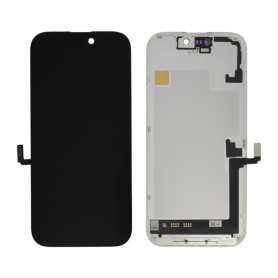
Screen iPhone 17 (OEM) Hard Oled - Diagnosable - No Pop-up - 120Hz
Use Repair Assistant to Finish an iPhone or iPad Repair
On an iPhone 12 or later running iOS 18, when a new Apple screen is installed,“Finish Repair” will appear next to Screen until you complete the repair using the Repair Assistant.
On an iPhone 12 or later running iOS 18, it is possible to reuse an original Apple screen on another iPhone of the same model.
The date of first use and the condition of the screen can be found in Settings > General > About > Parts & Service History.
How to Run Diagnostics & Finish Repair for iPhone Screen
1. Ensure your device is updated to iOS 18
2. Go to Settings > General > About > Parts & Service History
3. Tap "Restart & Finish Repair" to activate the Repair Assistant
4. Follow the on-screen instructions to complete the calibration
After completing this process, your screen will be fully functional, and there will be no pop-up warning about non-genuine parts.
Important Notes:
Your iPhone must be connected to Wi-Fi
Your battery level should be above 20%
If the process fails, restart your device and try again
If the repair is not completed, the screen may not function optimally, and some features (True Tone, Face ID) may be disabled until calibration is finalized
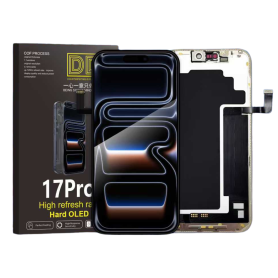
Screen iPhone 17 (Hard Oled) DD - IC - 120hz - Original Size / Thickness
Key Features of Screen iPhone 17 (Hard OLED) DD - IC - 120Hz - Original Size / Thickness:
Hard OLED Display: Experience vibrant colors and deep blacks with the cutting-edge Hard OLED technology, delivering superior performance and longevity for your iPhone 17.
Dynamic Display (DD) Technology: Enjoy seamless visuals and fluid motion with Dynamic Display (DD) technology, offering an immersive viewing experience for gaming, streaming, and more.
Integrated Circuit (IC) Enhancement: Featuring advanced IC integration, this screen ensures optimal efficiency, enhanced responsiveness, and smart power management to maximize your device's performance.
120Hz Refresh Rate: Elevate your visual experience with a 120Hz refresh rate, providing ultra-smooth transitions and reducing lag for fast-paced activities, ensuring an exceptional user interface.
Original Size and Thickness: Designed to match the original specifications, this screen maintains the authentic look and feel of your iPhone 17 while ensuring easy installation and compatibility.
True-to-Life Color Accuracy: Experience true-to-life colors and improved viewing angles, ensuring clarity and consistency in every frame, thanks to advanced color calibration.
This screen replacement is designed for professionals seeking uncompromising quality and performance to restore their device to its original glory.
Hard OLED Display: Experience vibrant colors and deep blacks with the cutting-edge Hard OLED technology, delivering superior performance and longevity for your iPhone 17.
Dynamic Display (DD) Technology: Enjoy seamless visuals and fluid motion with Dynamic Display (DD) technology, offering an immersive viewing experience for gaming, streaming, and more.
Integrated Circuit (IC) Enhancement: Featuring advanced IC integration, this screen ensures optimal efficiency, enhanced responsiveness, and smart power management to maximize your device's performance.
120Hz Refresh Rate: Elevate your visual experience with a 120Hz refresh rate, providing ultra-smooth transitions and reducing lag for fast-paced activities, ensuring an exceptional user interface.
Original Size and Thickness: Designed to match the original specifications, this screen maintains the authentic look and feel of your iPhone 17 while ensuring easy installation and compatibility.
True-to-Life Color Accuracy: Experience true-to-life colors and improved viewing angles, ensuring clarity and consistency in every frame, thanks to advanced color calibration.
This screen replacement is designed for professionals seeking uncompromising quality and performance to restore their device to its original glory.
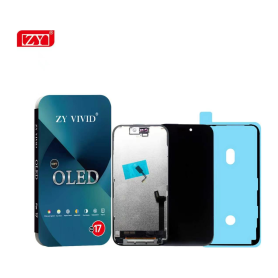
Screen iPhone 17 (Soft OLED) ZY - 1:1 120Hz
Screen iPhone 17 (Soft OLED) ZY - 1:1 120Hz: Soft OLED replacement screen for iPhone 17. IC, 1:1 construction and 120 Hz display according to the supplier specification. Designed for repair professionals; check the exact phone model before installation.
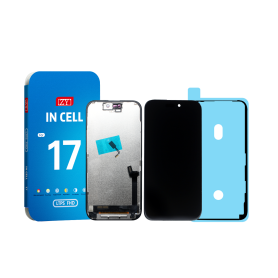
Screen iPhone 17 (INCELL) ZY - LTPS - Support IC Change - FHD1080p - 120HZ
Advantages LTPS TFT OLED Pixel resolution FHD1080p Same as original HD 720p Same as original Power consumption 10% power savings compared to TFT quality Normal power consumption 20% power savings compared to TFT quality. Response time Fast response Normal response Response same as original Image quality High image quality with vivid colors. Normal display More vivid colors, perfect blacks. Cost Excellent quality and cost. Best cost Steadily decreasing production cost. After-sales feedback After-sales service rate 0.1% After-sales service rate 0.3% After-sales service rate 0.2% Phone thickness with screen (7.65 mm original) 7.75 mm 7.80 mm 7.65 mm
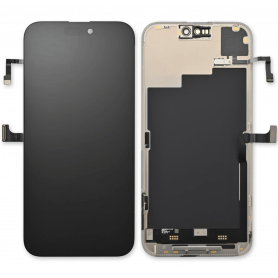
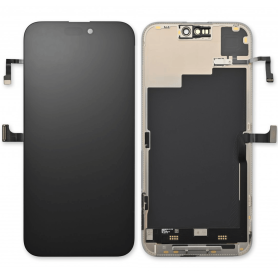
Screen iPhone 16 (Original Disassembled) - Grade A
Key Features of Screen iPhone 16 (Original Disassembled) - Grade A
Authentic Quality: This screen is an original, disassembled component from an iPhone 16, ensuring the highest quality and perfect compatibility with your device.
Grade A Condition: The screen is in Grade A condition, meaning it is free from scratches, cracks, and any significant wear, offering a pristine display experience.
Retina Display: Enjoy the vibrant colors and sharp details of the iPhone 16's Retina display, designed to deliver an immersive viewing experience with true-to-life visuals.
Touch Sensitivity: Maintains the original touch sensitivity and responsiveness, ensuring seamless interaction and smooth navigation.
True Tone Technology: Features True Tone technology, which adjusts the display's color temperature based on ambient lighting for a more natural viewing experience.
Easy Installation: Designed for straightforward installation, making it convenient for both professional technicians and DIY enthusiasts.
Compatibility: Specifically engineered for the iPhone 16, ensuring a perfect fit and full functionality with all device features.
Eco-Friendly Option: By choosing a disassembled original screen, you contribute to reducing electronic waste and promoting sustainable practices.
Upgrade your iPhone 16 with confidence, knowing you're getting a top-tier, original component that restores your device to its full potential.
Authentic Quality: This screen is an original, disassembled component from an iPhone 16, ensuring the highest quality and perfect compatibility with your device.
Grade A Condition: The screen is in Grade A condition, meaning it is free from scratches, cracks, and any significant wear, offering a pristine display experience.
Retina Display: Enjoy the vibrant colors and sharp details of the iPhone 16's Retina display, designed to deliver an immersive viewing experience with true-to-life visuals.
Touch Sensitivity: Maintains the original touch sensitivity and responsiveness, ensuring seamless interaction and smooth navigation.
True Tone Technology: Features True Tone technology, which adjusts the display's color temperature based on ambient lighting for a more natural viewing experience.
Easy Installation: Designed for straightforward installation, making it convenient for both professional technicians and DIY enthusiasts.
Compatibility: Specifically engineered for the iPhone 16, ensuring a perfect fit and full functionality with all device features.
Eco-Friendly Option: By choosing a disassembled original screen, you contribute to reducing electronic waste and promoting sustainable practices.
Upgrade your iPhone 16 with confidence, knowing you're getting a top-tier, original component that restores your device to its full potential.
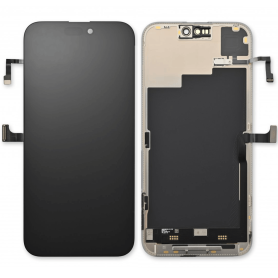

Screen iPhone 16 (Original Refurbished)
This screen is genuinely Origine, but it does not allow removing the error message. Each phone has a screen with a unique serial number, and only the Apple Store can program this serial number. However, this error message only remains for a few weeks.
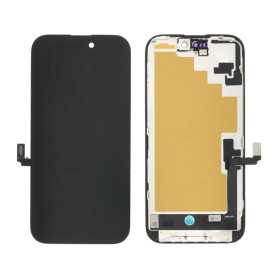
Screen iPhone 16 (OEM) Soft Oled - Diagnosable - No Pop-up
Use Repair Assistant to Finish an iPhone or iPad Repair
On an iPhone 12 or later running iOS 18, when a new Apple screen is installed,“Finish Repair” will appear next to Screen until you complete the repair using the Repair Assistant.
On an iPhone 12 or later running iOS 18, it is possible to reuse an original Apple screen on another iPhone of the same model.
The date of first use and the condition of the screen can be found in Settings > General > About > Parts & Service History.
How to Run Diagnostics & Finish Repair for iPhone Screen
1. Ensure your device is updated to iOS 18
2. Go to Settings > General > About > Parts & Service History
3. Tap "Restart & Finish Repair" to activate the Repair Assistant
4. Follow the on-screen instructions to complete the calibration
After completing this process, your screen will be fully functional, and there will be no pop-up warning about non-genuine parts.
Important Notes:
Your iPhone must be connected to Wi-Fi
Your battery level should be above 20%
If the process fails, restart your device and try again
If the repair is not completed, the screen may not function optimally, and some features (True Tone, Face ID) may be disabled until calibration is finalized
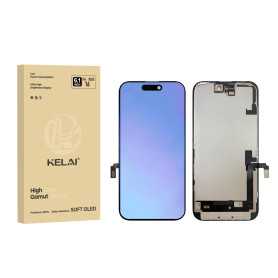
Screen iPhone 16 (Hard OLED) KELAI - Diagnostic
Use Repair Assistant to Finish an iPhone or iPad Repair
On an iPhone 12 or later running iOS 18, when a new Apple screen is installed,“Finish Repair” will appear next to Screen until you complete the repair using the Repair Assistant.
On an iPhone 12 or later running iOS 18, it is possible to reuse an original Apple screen on another iPhone of the same model.
The date of first use and the condition of the screen can be found in Settings > General > About > Parts & Service History.
How to Run Diagnostics & Finish Repair for iPhone Screen
1. Ensure your device is updated to iOS 18
2. Go to Settings > General > About > Parts & Service History
3. Tap "Restart & Finish Repair" to activate the Repair Assistant
4. Follow the on-screen instructions to complete the calibration
After completing this process, your screen will be fully functional, and there will be no pop-up warning about non-genuine parts.
Important Notes:
Your iPhone must be connected to Wi-Fi
Your battery level should be above 20%
If the process fails, restart your device and try again
If the repair is not completed, the screen may not function optimally, and some features (True Tone, Face ID) may be disabled until calibration is finalized
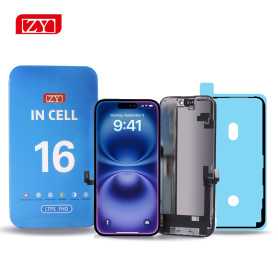
Screen iPhone 16 (INCELL) ZY - COF - FHD1080p - Diagnosable
Use Repair Assistant to Finish an iPhone or iPad Repair
On an iPhone 12 or later running iOS 18, when a new Apple screen is installed,“Finish Repair” will appear next to Screen until you complete the repair using the Repair Assistant.
On an iPhone 12 or later running iOS 18, it is possible to reuse an original Apple screen on another iPhone of the same model.
The date of first use and the condition of the screen can be found in Settings > General > About > Parts & Service History.
How to Run Diagnostics & Finish Repair for iPhone Screen
1. Ensure your device is updated to iOS 18
2. Go to Settings > General > About > Parts & Service History
3. Tap "Restart & Finish Repair" to activate the Repair Assistant
4. Follow the on-screen instructions to complete the calibration
After completing this process, your screen will be fully functional, and there will be no pop-up warning about non-genuine parts.
Important Notes:
Your iPhone must be connected to Wi-Fi
Your battery level should be above 20%
If the process fails, restart your device and try again
If the repair is not completed, the screen may not function optimally, and some features (True Tone, Face ID) may be disabled until calibration is finalized

Screen iPhone 16 (Soft Oled) DD - IC - Original Size / Thickness
Soft OLED replacement screen for iPhone 16. DD-IC range with original size and thickness. Reference: DD16. Designed for professional repair. Check the device model and test the display and touch functions before closing the device. 12-month warranty.
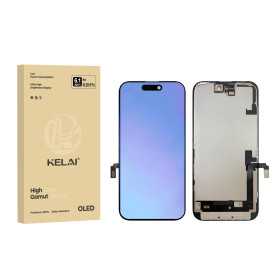
Screen iPhone 16 (Hard OLED) KELAI - Support IC Change
Key Features of Screen iPhone 16 (Hard OLED) KELAI
Advanced Hard OLED Technology: Experience superior display quality with bright, vibrant colors and deep blacks, providing a rich visual experience that is both pleasing to the eye and energy-efficient.
Support IC Change: Designed with innovative technology that allows for integrated circuit (IC) change. This feature ensures easy repairs and replacements, prolonging the life of your screen and maintaining optimal performance.
Original Size and Thickness: Crafted to match the original specifications of the iPhone 16, this screen maintains the device’s sleek profile while ensuring compatibility with cases and screen protectors.
High Durability: Constructed with high-quality materials, this screen is resistant to scratches and daily wear, offering long-lasting durability without compromising on clarity or touch sensitivity.
Responsive Touch Sensitivity: Enjoy seamless interaction with your device thanks to high-precision touch responsiveness, enabling smooth navigation and accurate touch input for all your applications.
Easy Installation: Designed for user-friendly installation, minimizing downtime and effort, and bringing your device back to peak condition quickly and efficiently.
Quality Assurance: Rigorously tested for performance and reliability, guaranteeing a top-tier customer experience and peace of mind.
Advanced Hard OLED Technology: Experience superior display quality with bright, vibrant colors and deep blacks, providing a rich visual experience that is both pleasing to the eye and energy-efficient.
Support IC Change: Designed with innovative technology that allows for integrated circuit (IC) change. This feature ensures easy repairs and replacements, prolonging the life of your screen and maintaining optimal performance.
Original Size and Thickness: Crafted to match the original specifications of the iPhone 16, this screen maintains the device’s sleek profile while ensuring compatibility with cases and screen protectors.
High Durability: Constructed with high-quality materials, this screen is resistant to scratches and daily wear, offering long-lasting durability without compromising on clarity or touch sensitivity.
Responsive Touch Sensitivity: Enjoy seamless interaction with your device thanks to high-precision touch responsiveness, enabling smooth navigation and accurate touch input for all your applications.
Easy Installation: Designed for user-friendly installation, minimizing downtime and effort, and bringing your device back to peak condition quickly and efficiently.
Quality Assurance: Rigorously tested for performance and reliability, guaranteeing a top-tier customer experience and peace of mind.

Screen iPhone 16 (INCELL) ZY - LTPS - FHD1080p
Advantages LTPS TFT OLED Pixel resolution FHD1080p Same as original HD 720p Same as original Power consumption 10% power savings compared to TFT quality Normal power consumption 20% power savings compared to TFT quality. Response time Fast response Normal response Response same as original Image quality High image quality with vivid colors. Normal display More vivid colors, perfect blacks. Cost Excellent quality and cost. Best cost Steadily decreasing production cost. After-sales feedback After-sales service rate 0.1% After-sales service rate 0.3% After-sales service rate 0.2% Phone thickness with screen (7.65 mm original) 7.75 mm 7.80 mm 7.65 mm
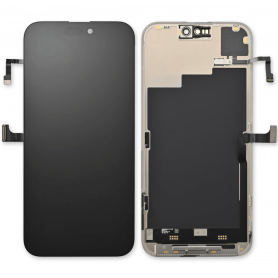
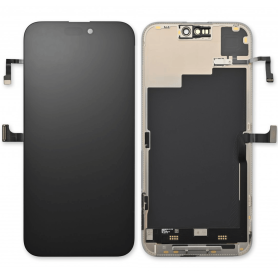
Screen iPhone 15 Plus (Original Refurbished)
This screen is genuinely Origine, but it does not allow removing the error message. Each phone has a screen with a unique serial number, and only the Apple Store can program this serial number. However, this error message only remains for a few weeks.
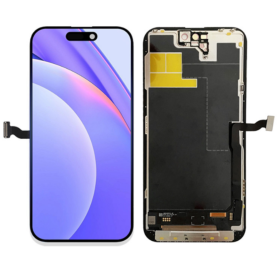
Screen iPhone 15 Plus (OEM) Soft Oled - Diagnosable - No Pop-up
Use Repair Assistant to Finish an iPhone or iPad Repair
On an iPhone 12 or later running iOS 18, when a new Apple screen is installed,“Finish Repair” will appear next to Screen until you complete the repair using the Repair Assistant.
On an iPhone 12 or later running iOS 18, it is possible to reuse an original Apple screen on another iPhone of the same model.
The date of first use and the condition of the screen can be found in Settings > General > About > Parts & Service History.
How to Run Diagnostics & Finish Repair for iPhone Screen
1. Ensure your device is updated to iOS 18
2. Go to Settings > General > About > Parts & Service History
3. Tap "Restart & Finish Repair" to activate the Repair Assistant
4. Follow the on-screen instructions to complete the calibration
After completing this process, your screen will be fully functional, and there will be no pop-up warning about non-genuine parts.
Important Notes:
Your iPhone must be connected to Wi-Fi
Your battery level should be above 20%
If the process fails, restart your device and try again
If the repair is not completed, the screen may not function optimally, and some features (True Tone, Face ID) may be disabled until calibration is finalized
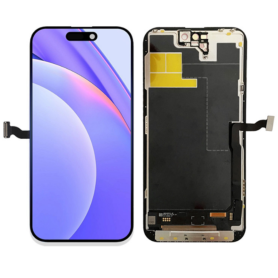
Screen iPhone 15 Plus (Soft OLED) KELAI - Diagnostic
Use Repair Assistant to Finish an iPhone or iPad Repair
On an iPhone 12 or later running iOS 18, when a new Apple screen is installed,“Finish Repair” will appear next to Screen until you complete the repair using the Repair Assistant.
On an iPhone 12 or later running iOS 18, it is possible to reuse an original Apple screen on another iPhone of the same model.
The date of first use and the condition of the screen can be found in Settings > General > About > Parts & Service History.
How to Run Diagnostics & Finish Repair for iPhone Screen
1. Ensure your device is updated to iOS 18
2. Go to Settings > General > About > Parts & Service History
3. Tap "Restart & Finish Repair" to activate the Repair Assistant
4. Follow the on-screen instructions to complete the calibration
After completing this process, your screen will be fully functional, and there will be no pop-up warning about non-genuine parts.
Important Notes:
Your iPhone must be connected to Wi-Fi
Your battery level should be above 20%
If the process fails, restart your device and try again
If the repair is not completed, the screen may not function optimally, and some features (True Tone, Face ID) may be disabled until calibration is finalized
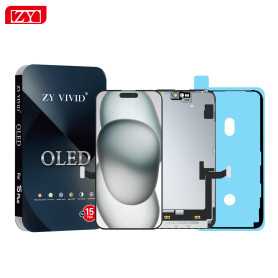
Screen iPhone 15 Plus (OLED) ZY - Diagnosable
Use Repair Assistant to Finish an iPhone or iPad Repair
On an iPhone 12 or later running iOS 18, when a new Apple screen is installed,“Finish Repair” will appear next to Screen until you complete the repair using the Repair Assistant.
On an iPhone 12 or later running iOS 18, it is possible to reuse an original Apple screen on another iPhone of the same model.
The date of first use and the condition of the screen can be found in Settings > General > About > Parts & Service History.
How to Run Diagnostics & Finish Repair for iPhone Screen
1. Ensure your device is updated to iOS 18
2. Go to Settings > General > About > Parts & Service History
3. Tap "Restart & Finish Repair" to activate the Repair Assistant
4. Follow the on-screen instructions to complete the calibration
After completing this process, your screen will be fully functional, and there will be no pop-up warning about non-genuine parts.
Important Notes:
Your iPhone must be connected to Wi-Fi
Your battery level should be above 20%
If the process fails, restart your device and try again
If the repair is not completed, the screen may not function optimally, and some features (True Tone, Face ID) may be disabled until calibration is finalized
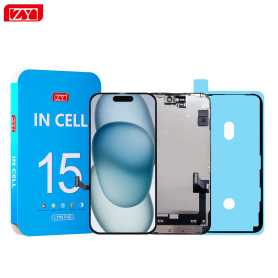
Screen iPhone 15 Plus (INCELL) ZY - COF - FHD1080p - Diagnosable
Use Repair Assistant to Finish an iPhone or iPad Repair
On an iPhone 12 or later running iOS 18, when a new Apple screen is installed,“Finish Repair” will appear next to Screen until you complete the repair using the Repair Assistant.
On an iPhone 12 or later running iOS 18, it is possible to reuse an original Apple screen on another iPhone of the same model.
The date of first use and the condition of the screen can be found in Settings > General > About > Parts & Service History.
How to Run Diagnostics & Finish Repair for iPhone Screen
1. Ensure your device is updated to iOS 18
2. Go to Settings > General > About > Parts & Service History
3. Tap "Restart & Finish Repair" to activate the Repair Assistant
4. Follow the on-screen instructions to complete the calibration
After completing this process, your screen will be fully functional, and there will be no pop-up warning about non-genuine parts.
Important Notes:
Your iPhone must be connected to Wi-Fi
Your battery level should be above 20%
If the process fails, restart your device and try again
If the repair is not completed, the screen may not function optimally, and some features (True Tone, Face ID) may be disabled until calibration is finalized

Screen iPhone 15 Plus (Soft Oled) DD - IC - Original Size / Thickness
Soft OLED replacement screen for iPhone 15 Plus. DD-IC range with original size and thickness. Reference: DD15Plus. Designed for professional repair. Check the device model and test the display and touch functions before closing the device. 12-month warranty.

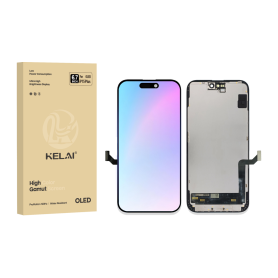
Screen iPhone 15 Plus (Soft OLED) KELAI - Support IC Change
The Screen iPhone 15 Plus (Soft OLED) by KELAI is a premium replacement display designed to meet original device specifications. Key features include:
Original Size and Thickness: Crafted to match the original dimensions of the iPhone 15 Plus, ensuring seamless integration without any added bulk.
Soft OLED Technology: Delivers vibrant colors and deep blacks with excellent energy efficiency, enhancing your visual experience without compromising on performance.
Support IC Change: Designed with advanced support for IC (integrated circuit) changes, allowing for easy and efficient repairs or modifications to suit specific needs.
High Durability: Built to withstand daily wear, offering robust resistance against scratches and impacts, maintaining clarity and functionality over time.
Superior Touch Responsiveness: Provides smooth and accurate touch response, maintaining the premium feel of the original iPhone display.
Easy Installation: Engineered for straightforward installation, with precision-engineered connectors for hassle-free setup and alignment.
Compatibility: Perfectly compatible with all iPhone 15 Plus models, ensuring no issues with connectivity or performance post-installation.
This replacement screen by KELAI guarantees quality performance, longevity, and a visually stunning display experience, revitalizing your device with assured satisfaction.
Original Size and Thickness: Crafted to match the original dimensions of the iPhone 15 Plus, ensuring seamless integration without any added bulk.
Soft OLED Technology: Delivers vibrant colors and deep blacks with excellent energy efficiency, enhancing your visual experience without compromising on performance.
Support IC Change: Designed with advanced support for IC (integrated circuit) changes, allowing for easy and efficient repairs or modifications to suit specific needs.
High Durability: Built to withstand daily wear, offering robust resistance against scratches and impacts, maintaining clarity and functionality over time.
Superior Touch Responsiveness: Provides smooth and accurate touch response, maintaining the premium feel of the original iPhone display.
Easy Installation: Engineered for straightforward installation, with precision-engineered connectors for hassle-free setup and alignment.
Compatibility: Perfectly compatible with all iPhone 15 Plus models, ensuring no issues with connectivity or performance post-installation.
This replacement screen by KELAI guarantees quality performance, longevity, and a visually stunning display experience, revitalizing your device with assured satisfaction.
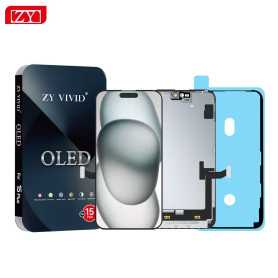
Screen iPhone 15 Plus (Hard OLED) ZY - Support IC Change
Key Features of Screen iPhone 15 Plus (Hard OLED) ZY - Support IC Change:
Advanced Hard OLED Technology: Experience vibrant colors and deep contrasts with the latest Hard OLED display, offering superior visual clarity and energy efficiency for your iPhone 15 Plus.
IC Change Support: Designed with flexibility in mind, this screen supports IC change, allowing for easier repairs and maintenance, ensuring longevity and optimal performance of your device.
Precision Fit: Engineered to perfectly match the dimensions and specifications of the iPhone 15 Plus, ensuring seamless integration and a flawless look.
Durability and Strength: Built with robust materials to withstand daily wear and tear, providing enhanced durability without compromising on display quality.
Touch Sensitivity: Enjoy a responsive and smooth touch experience, with high sensitivity that accurately registers every tap, swipe, and gesture.
Easy Installation: Comes with a user-friendly installation kit, making it convenient for both professionals and DIY enthusiasts to replace the screen with minimal hassle.
Eco-Friendly Design: Manufactured with environmentally friendly processes and materials, aligning with sustainable practices.
Warranty and Support: Backed by a comprehensive warranty and dedicated customer support to ensure peace of mind and satisfaction with your purchase.
Advanced Hard OLED Technology: Experience vibrant colors and deep contrasts with the latest Hard OLED display, offering superior visual clarity and energy efficiency for your iPhone 15 Plus.
IC Change Support: Designed with flexibility in mind, this screen supports IC change, allowing for easier repairs and maintenance, ensuring longevity and optimal performance of your device.
Precision Fit: Engineered to perfectly match the dimensions and specifications of the iPhone 15 Plus, ensuring seamless integration and a flawless look.
Durability and Strength: Built with robust materials to withstand daily wear and tear, providing enhanced durability without compromising on display quality.
Touch Sensitivity: Enjoy a responsive and smooth touch experience, with high sensitivity that accurately registers every tap, swipe, and gesture.
Easy Installation: Comes with a user-friendly installation kit, making it convenient for both professionals and DIY enthusiasts to replace the screen with minimal hassle.
Eco-Friendly Design: Manufactured with environmentally friendly processes and materials, aligning with sustainable practices.
Warranty and Support: Backed by a comprehensive warranty and dedicated customer support to ensure peace of mind and satisfaction with your purchase.
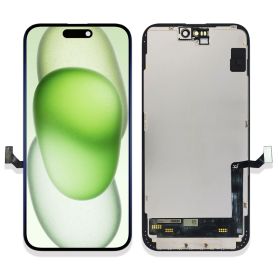

Screen iPhone 15 Plus (INCELL) ZY - LTPS - Support IC Change - FHD1080p
Advantages LTPS TFT OLED Pixel resolution FHD1080p Same as original HD 720p Same as original Power consumption 10% power savings compared to TFT quality Normal power consumption 20% power savings compared to TFT quality. Response time Fast response Normal response Response same as original Image quality High image quality with vivid colors. Normal display More vivid colors, perfect blacks. Cost Excellent quality and cost. Best cost Steadily decreasing production cost. After-sales feedback After-sales service rate 0.1% After-sales service rate 0.3% After-sales service rate 0.2% Phone thickness with screen (7.65 mm original) 7.75 mm 7.80 mm 7.65 mm

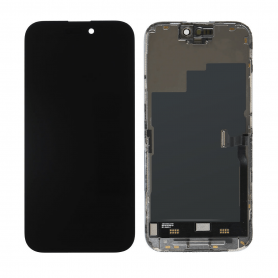
Screen iPhone 15 Pro (Original Disassembled) - Grade A
Key Features of Screen iPhone 15 Pro (Original Disassembled) - Grade A
Authentic Quality: This screen is an original, disassembled component from the iPhone 15 Pro, ensuring perfect compatibility and performance.
Grade A Condition: The screen is in Grade A condition, meaning it is free from scratches, blemishes, and other imperfections, offering a pristine visual experience.
Super Retina XDR Display: Experience vibrant colors and deep blacks with the Super Retina XDR technology, providing an immersive viewing experience with true-to-life visuals.
Ceramic Shield: Enhanced durability with Ceramic Shield front cover, offering superior protection against drops and scratches.
True Tone Technology: Automatically adjusts the white balance to match the light around you for a more natural viewing experience.
Haptic Touch: Enjoy responsive feedback with Haptic Touch, allowing for quick access to essential features and functions.
High Resolution: Boasts a high resolution for crisp and clear images, perfect for gaming, streaming, and browsing.
Easy Installation: Designed for straightforward installation, making it a convenient replacement option for damaged screens.
Eco-Friendly: As a disassembled original part, it supports sustainable practices by reducing electronic waste.
This screen replacement is ideal for maintaining the premium quality and functionality of your iPhone 15 Pro.
Authentic Quality: This screen is an original, disassembled component from the iPhone 15 Pro, ensuring perfect compatibility and performance.
Grade A Condition: The screen is in Grade A condition, meaning it is free from scratches, blemishes, and other imperfections, offering a pristine visual experience.
Super Retina XDR Display: Experience vibrant colors and deep blacks with the Super Retina XDR technology, providing an immersive viewing experience with true-to-life visuals.
Ceramic Shield: Enhanced durability with Ceramic Shield front cover, offering superior protection against drops and scratches.
True Tone Technology: Automatically adjusts the white balance to match the light around you for a more natural viewing experience.
Haptic Touch: Enjoy responsive feedback with Haptic Touch, allowing for quick access to essential features and functions.
High Resolution: Boasts a high resolution for crisp and clear images, perfect for gaming, streaming, and browsing.
Easy Installation: Designed for straightforward installation, making it a convenient replacement option for damaged screens.
Eco-Friendly: As a disassembled original part, it supports sustainable practices by reducing electronic waste.
This screen replacement is ideal for maintaining the premium quality and functionality of your iPhone 15 Pro.
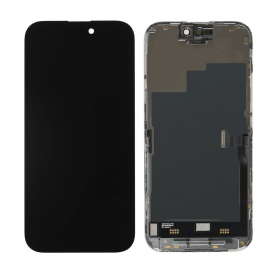
Screen iPhone 15 Pro (Original Disassembled) - Grade B
Main Features of the iPhone 15 Pro Screen (Original Disassembled) - Grade B: Guaranteed Authenticity: Original disassembled screen, ensuring perfect compatibility with the iPhone 15 Pro for optimal performance. Grade B Quality: Presents slight cosmetic imperfections such as small scratches or marks, without compromising functionality or display. Super Retina XDR Display: Enjoy exceptional resolution with vivid colors and high contrast, ideal for an immersive visual experience. True Tone Technology: Automatically adjusts white balance for natural color rendering in all lighting conditions. Face ID Compatibility: Retains all the security and facial recognition features of your device. Easy Installation: Designed for easy replacement, with the necessary tools included for a quick and hassle-free installation. Eco-Friendly: By choosing a disassembled screen, you contribute to reducing electronic waste and preserving the environment. Functionality Guarantee: Tested to ensure flawless performance, with a limited warranty for your peace of mind.
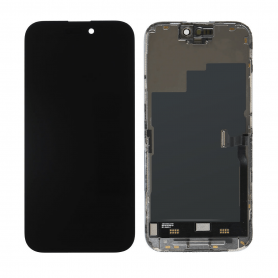
Screen iPhone 15 Pro (Original Refurbished)
This screen is genuinely Origine, but it does not allow removing the error message. Each phone has a screen with a unique serial number, and only the Apple Store can program this serial number. However, this error message only remains for a few weeks.
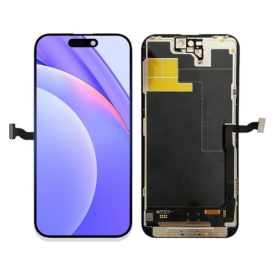
Screen iPhone 15 Pro (OEM) Soft Oled - Diagnosable - No Pop-up - 120Hz
Use Repair Assistant to Finish an iPhone or iPad Repair
On an iPhone 12 or later running iOS 18, when a new Apple screen is installed,“Finish Repair” will appear next to Screen until you complete the repair using the Repair Assistant.
On an iPhone 12 or later running iOS 18, it is possible to reuse an original Apple screen on another iPhone of the same model.
The date of first use and the condition of the screen can be found in Settings > General > About > Parts & Service History.
How to Run Diagnostics & Finish Repair for iPhone Screen
1. Ensure your device is updated to iOS 18
2. Go to Settings > General > About > Parts & Service History
3. Tap "Restart & Finish Repair" to activate the Repair Assistant
4. Follow the on-screen instructions to complete the calibration
After completing this process, your screen will be fully functional, and there will be no pop-up warning about non-genuine parts.
Important Notes:
Your iPhone must be connected to Wi-Fi
Your battery level should be above 20%
If the process fails, restart your device and try again
If the repair is not completed, the screen may not function optimally, and some features (True Tone, Face ID) may be disabled until calibration is finalized
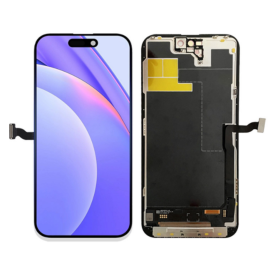
Screen iPhone 15 Pro (Hard OLED) KELAI - Diagnostic
Use Repair Assistant to Finish an iPhone or iPad Repair
On an iPhone 12 or later running iOS 18, when a new Apple screen is installed,“Finish Repair” will appear next to Screen until you complete the repair using the Repair Assistant.
On an iPhone 12 or later running iOS 18, it is possible to reuse an original Apple screen on another iPhone of the same model.
The date of first use and the condition of the screen can be found in Settings > General > About > Parts & Service History.
How to Run Diagnostics & Finish Repair for iPhone Screen
1. Ensure your device is updated to iOS 18
2. Go to Settings > General > About > Parts & Service History
3. Tap "Restart & Finish Repair" to activate the Repair Assistant
4. Follow the on-screen instructions to complete the calibration
After completing this process, your screen will be fully functional, and there will be no pop-up warning about non-genuine parts.
Important Notes:
Your iPhone must be connected to Wi-Fi
Your battery level should be above 20%
If the process fails, restart your device and try again
If the repair is not completed, the screen may not function optimally, and some features (True Tone, Face ID) may be disabled until calibration is finalized

Screen iPhone 15 Pro (Soft Oled) DD - IC - Original Size / Thickness
Screen for iPhone 15 Pro.Panel technology: Soft OLEDOriginal size and thicknessBrand: DDSpare part intended for repair shops and resellers. Replaces the original part on the indicated device.
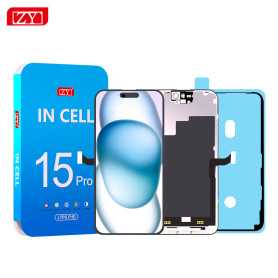
Screen iPhone 15 Pro (INCELL) ZY - COF - FHD1080p - 120Hz - Diagnosable
Use Repair Assistant to Finish an iPhone or iPad Repair
On an iPhone 12 or later running iOS 18, when a new Apple screen is installed,“Finish Repair” will appear next to Screen until you complete the repair using the Repair Assistant.
On an iPhone 12 or later running iOS 18, it is possible to reuse an original Apple screen on another iPhone of the same model.
The date of first use and the condition of the screen can be found in Settings > General > About > Parts & Service History.
How to Run Diagnostics & Finish Repair for iPhone Screen
1. Ensure your device is updated to iOS 18
2. Go to Settings > General > About > Parts & Service History
3. Tap "Restart & Finish Repair" to activate the Repair Assistant
4. Follow the on-screen instructions to complete the calibration
After completing this process, your screen will be fully functional, and there will be no pop-up warning about non-genuine parts.
Important Notes:
Your iPhone must be connected to Wi-Fi
Your battery level should be above 20%
If the process fails, restart your device and try again
If the repair is not completed, the screen may not function optimally, and some features (True Tone, Face ID) may be disabled until calibration is finalized

Screen iPhone 15 Pro (INCELL) ZY - LTPS - Support IC Change - 120Hz - FHD1080p
Advantages LTPS TFT OLED Pixel resolution FHD1080p Same as original HD 720p Same as original Power consumption 10% power savings compared to TFT quality Normal power consumption 20% power savings compared to TFT quality. Response time Fast response Normal response Response same as original Image quality High image quality with vivid colors. Normal display More vivid colors, perfect blacks. Cost Excellent quality and cost. Best cost Steadily decreasing production cost. After-sales feedback After-sales service rate 0.1% After-sales service rate 0.3% After-sales service rate 0.2% Phone thickness with screen (7.65 mm original) 7.75 mm 7.80 mm 7.65 mm
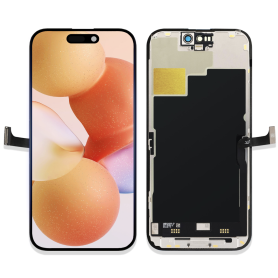
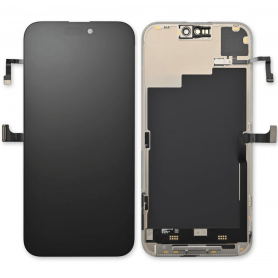
Screen iPhone 15 (Original Disassembled) - Grade A
Key Features of Screen iPhone 15 (Original Disassembled) - Grade A
Authentic Quality: This screen is an original disassembled component from the iPhone 15, ensuring the highest quality and compatibility with your device.
Grade A Condition: The screen is in Grade A condition, meaning it is free from scratches, cracks, and other imperfections, offering a pristine display experience.
Perfect Fit: Designed specifically for the iPhone 15, this screen guarantees a seamless fit and optimal performance, maintaining the original look and feel of your device.
High-Resolution Display: Experience vibrant colors and sharp details with the high-resolution display, providing an immersive viewing experience for all your media needs.
Touch Sensitivity: Enjoy precise and responsive touch sensitivity, ensuring smooth navigation and interaction with your apps and features.
Easy Installation: The screen comes ready for installation, making it convenient for professional technicians to replace your damaged screen efficiently.
Cost-Effective Solution: Opt for this original disassembled screen as a cost-effective alternative to purchasing a brand-new device, extending the life of your iPhone 15.
Eco-Friendly Choice: By choosing a disassembled original screen, you contribute to reducing electronic waste and promoting sustainable practices.
Authentic Quality: This screen is an original disassembled component from the iPhone 15, ensuring the highest quality and compatibility with your device.
Grade A Condition: The screen is in Grade A condition, meaning it is free from scratches, cracks, and other imperfections, offering a pristine display experience.
Perfect Fit: Designed specifically for the iPhone 15, this screen guarantees a seamless fit and optimal performance, maintaining the original look and feel of your device.
High-Resolution Display: Experience vibrant colors and sharp details with the high-resolution display, providing an immersive viewing experience for all your media needs.
Touch Sensitivity: Enjoy precise and responsive touch sensitivity, ensuring smooth navigation and interaction with your apps and features.
Easy Installation: The screen comes ready for installation, making it convenient for professional technicians to replace your damaged screen efficiently.
Cost-Effective Solution: Opt for this original disassembled screen as a cost-effective alternative to purchasing a brand-new device, extending the life of your iPhone 15.
Eco-Friendly Choice: By choosing a disassembled original screen, you contribute to reducing electronic waste and promoting sustainable practices.
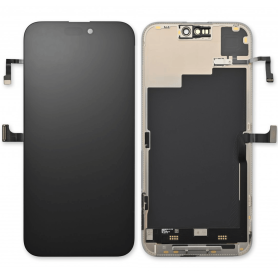
Screen iPhone 15 (Original Disassembled) - Grade B
Screen for iPhone 15.Quality: Original DémontéPart condition: grade BSpare part intended for repair shops and resellers. Is installed as a replacement for the original part on the indicated device.
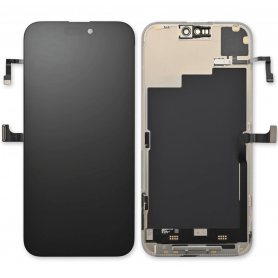
Screen iPhone 15 (Original Refurbished)
Key Features of Screen iPhone 15 (Original Refurbished):
Genuine Apple Display: Experience the brilliance of an authentic Apple screen, meticulously refurbished to meet original specifications, ensuring vibrant colors and sharp visuals.
Advanced Ceramic Shield: Enhanced durability with Ceramic Shield technology, offering superior protection against scratches and accidental drops.
True Tone Technology: Adaptive display adjusts to ambient lighting conditions, providing a natural viewing experience that reduces eye strain.
Super Retina XDR Display: Enjoy stunning clarity and detail with the Super Retina XDR display, delivering deep blacks and true-to-life colors for an immersive viewing experience.
High Refresh Rate: Smooth scrolling and responsive touch with a high refresh rate, perfect for gaming and seamless navigation.
Eco-Friendly Choice: Contribute to sustainability by choosing a refurbished product, reducing electronic waste while enjoying premium quality.
Comprehensive Testing: Each screen undergoes rigorous testing to ensure functionality and performance, backed by a warranty for peace of mind.
Easy Installation: Designed for hassle-free installation, compatible with iPhone 15 models, ensuring a perfect fit and optimal performance.
Choose the Screen iPhone 15 (Original Refurbished) for a reliable, eco-conscious upgrade that doesn't compromise on quality.
Genuine Apple Display: Experience the brilliance of an authentic Apple screen, meticulously refurbished to meet original specifications, ensuring vibrant colors and sharp visuals.
Advanced Ceramic Shield: Enhanced durability with Ceramic Shield technology, offering superior protection against scratches and accidental drops.
True Tone Technology: Adaptive display adjusts to ambient lighting conditions, providing a natural viewing experience that reduces eye strain.
Super Retina XDR Display: Enjoy stunning clarity and detail with the Super Retina XDR display, delivering deep blacks and true-to-life colors for an immersive viewing experience.
High Refresh Rate: Smooth scrolling and responsive touch with a high refresh rate, perfect for gaming and seamless navigation.
Eco-Friendly Choice: Contribute to sustainability by choosing a refurbished product, reducing electronic waste while enjoying premium quality.
Comprehensive Testing: Each screen undergoes rigorous testing to ensure functionality and performance, backed by a warranty for peace of mind.
Easy Installation: Designed for hassle-free installation, compatible with iPhone 15 models, ensuring a perfect fit and optimal performance.
Choose the Screen iPhone 15 (Original Refurbished) for a reliable, eco-conscious upgrade that doesn't compromise on quality.
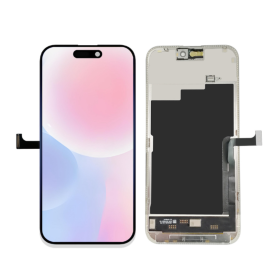
Screen iPhone 15 (OEM) Soft Oled - Diagnosable - No Pop-up
Use Repair Assistant to Finish an iPhone or iPad Repair
On an iPhone 12 or later running iOS 18, when a new Apple screen is installed,“Finish Repair” will appear next to Screen until you complete the repair using the Repair Assistant.
On an iPhone 12 or later running iOS 18, it is possible to reuse an original Apple screen on another iPhone of the same model.
The date of first use and the condition of the screen can be found in Settings > General > About > Parts & Service History.
How to Run Diagnostics & Finish Repair for iPhone Screen
1. Ensure your device is updated to iOS 18
2. Go to Settings > General > About > Parts & Service History
3. Tap "Restart & Finish Repair" to activate the Repair Assistant
4. Follow the on-screen instructions to complete the calibration
After completing this process, your screen will be fully functional, and there will be no pop-up warning about non-genuine parts.
Important Notes:
Your iPhone must be connected to Wi-Fi
Your battery level should be above 20%
If the process fails, restart your device and try again
If the repair is not completed, the screen may not function optimally, and some features (True Tone, Face ID) may be disabled until calibration is finalized
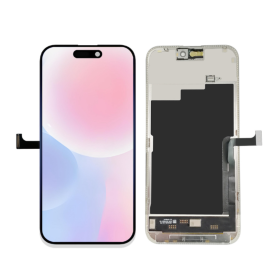
Screen iPhone 15 (Hard OLED) KELAI - Diagnostic
Use Repair Assistant to Finish an iPhone or iPad Repair
On an iPhone 12 or later running iOS 18, when a new Apple screen is installed,“Finish Repair” will appear next to Screen until you complete the repair using the Repair Assistant.
On an iPhone 12 or later running iOS 18, it is possible to reuse an original Apple screen on another iPhone of the same model.
The date of first use and the condition of the screen can be found in Settings > General > About > Parts & Service History.
How to Run Diagnostics & Finish Repair for iPhone Screen
1. Ensure your device is updated to iOS 18
2. Go to Settings > General > About > Parts & Service History
3. Tap "Restart & Finish Repair" to activate the Repair Assistant
4. Follow the on-screen instructions to complete the calibration
After completing this process, your screen will be fully functional, and there will be no pop-up warning about non-genuine parts.
Important Notes:
Your iPhone must be connected to Wi-Fi
Your battery level should be above 20%
If the process fails, restart your device and try again
If the repair is not completed, the screen may not function optimally, and some features (True Tone, Face ID) may be disabled until calibration is finalized

Screen iPhone 15 (Soft Oled) DD - IC - Original Size / Thickness
Soft OLED replacement screen for iPhone 15. DD-IC range with original size and thickness. Reference: DD15. Designed for professional repair. Check the device model and test the display and touch functions before closing the device. 12-month warranty.
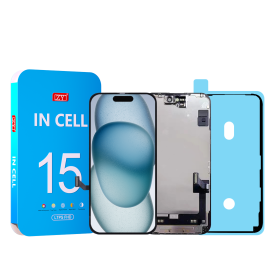
Screen iPhone 15 (INCELL) ZY - COF - FHD1080p - Diagnosable
Use Repair Assistant to Finish an iPhone or iPad Repair
On an iPhone 12 or later running iOS 18, when a new Apple screen is installed,“Finish Repair” will appear next to Screen until you complete the repair using the Repair Assistant.
On an iPhone 12 or later running iOS 18, it is possible to reuse an original Apple screen on another iPhone of the same model.
The date of first use and the condition of the screen can be found in Settings > General > About > Parts & Service History.
How to Run Diagnostics & Finish Repair for iPhone Screen
1. Ensure your device is updated to iOS 18
2. Go to Settings > General > About > Parts & Service History
3. Tap "Restart & Finish Repair" to activate the Repair Assistant
4. Follow the on-screen instructions to complete the calibration
After completing this process, your screen will be fully functional, and there will be no pop-up warning about non-genuine parts.
Important Notes:
Your iPhone must be connected to Wi-Fi
Your battery level should be above 20%
If the process fails, restart your device and try again
If the repair is not completed, the screen may not function optimally, and some features (True Tone, Face ID) may be disabled until calibration is finalized

Screen iPhone 15 (INCELL) ZY - LTPS - Support IC Change - FHD1080p
Advantages LTPS TFT OLED Pixel resolution FHD1080p Same as original HD 720p Same as original Power consumption 10% power savings compared to TFT quality Normal power consumption 20% power savings compared to TFT quality. Response time Fast response Normal response Response same as original Image quality High image quality with vivid colors. Normal display More vivid colors, perfect blacks. Cost Excellent quality and cost. Best cost Steadily decreasing production cost. After-sales feedback After-sales service rate 0.1% After-sales service rate 0.3% After-sales service rate 0.2% Phone thickness with screen (7.65 mm original) 7.75 mm 7.80 mm 7.65 mm
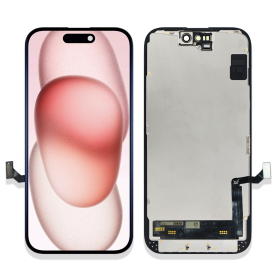


Screen iPhone 14 Plus with Proximity Sensor Flex (Original Refurbished) - Supports Configuration
Use Repair Assistant to Finish an iPhone or iPad Repair
On an iPhone 12 or later running iOS 18, when a new Apple screen is installed, “Finish Repair” will appear next to Screen until you complete the repair using the Repair Assistant.
On an iPhone 12 or later running iOS 18, it is possible to reuse an original Apple screen on another iPhone of the same model.
The date of first use and the condition of the screen can be found in Settings > General > About > Parts & Service History.
How to Run Diagnostics & Finish Repair for iPhone Screen
1. Ensure your device is updated to iOS 18
2. Go to Settings > General > About > Parts & Service History
3. Tap "Restart & Finish Repair" to activate the Repair Assistant
4. Follow the on-screen instructions to complete the calibration
After completing this process, your screen will be fully functional, and there will be no pop-up warning about non-genuine parts.
Important Notes:
Your iPhone must be connected to Wi-Fi
Your battery level should be above 20%
If the process fails, restart your device and try again
If the repair is not completed, the screen may not function optimally, and some features (True Tone, Face ID) may be disabled until calibration is finalized
iPhone 14 Plus Screen (Original Disassembled) - Grade A
Key Features of the iPhone 14 Plus Screen (Original Disassembled) - Grade A:
Genuine Quality: This screen is an original, disassembled component, ensuring the highest quality and compatibility with your iPhone 14 Plus. It retains the integrity and performance of the factory-installed display.
Grade A Condition: The screen undergoes rigorous quality checks and is classified as Grade A, ensuring minimal wear and tear with no visible scratches or imperfections, providing a like-new appearance and functionality.
Superior Display Technology: Enjoy vibrant colors, deep contrast, and sharp resolutions with the OLED technology, making your content appear crisp and immersive, identical to the original experience of your iPhone 14 Plus.
Perfect Fit: Engineered specifically for the iPhone 14 Plus, this screen offers a seamless fit and straightforward installation with precise cutouts and connectors, ensuring all features, including Face ID and True Tone, function perfectly.
Cost-Effective Solution: Ideal for repairs or replacements, this screen provides a cost-effective option to restore your device's functionality and aesthetics without compromising on quality or performance.
Eco-Friendly Choice: Utilizing original disassembled components promotes environmental sustainability by reducing electronic waste, aligning with eco-conscious consumer values.
Genuine Quality: This screen is an original, disassembled component, ensuring the highest quality and compatibility with your iPhone 14 Plus. It retains the integrity and performance of the factory-installed display.
Grade A Condition: The screen undergoes rigorous quality checks and is classified as Grade A, ensuring minimal wear and tear with no visible scratches or imperfections, providing a like-new appearance and functionality.
Superior Display Technology: Enjoy vibrant colors, deep contrast, and sharp resolutions with the OLED technology, making your content appear crisp and immersive, identical to the original experience of your iPhone 14 Plus.
Perfect Fit: Engineered specifically for the iPhone 14 Plus, this screen offers a seamless fit and straightforward installation with precise cutouts and connectors, ensuring all features, including Face ID and True Tone, function perfectly.
Cost-Effective Solution: Ideal for repairs or replacements, this screen provides a cost-effective option to restore your device's functionality and aesthetics without compromising on quality or performance.
Eco-Friendly Choice: Utilizing original disassembled components promotes environmental sustainability by reducing electronic waste, aligning with eco-conscious consumer values.

Screen iPhone 14 Plus (Original Disassembled) - Grade B
This screen is indeed original, but it does not allow removing the error message. Each phone has a screen with a unique serial number, and only the Apple Store can program this serial number. However, this error message only lasts for a few weeks.

Screen iPhone 14 Plus (Original Refurbished)
This screen is indeed original, but it does not allow removing the error message. Each phone has a screen with a unique serial number, and only the Apple Store can program this serial number. However, this error message only lasts for a few weeks.
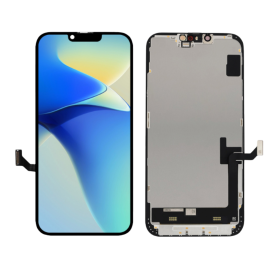
Screen iPhone 14 Plus (OEM) Soft Oled - Diagnosable - No Pop-up
Use Repair Assistant to Finish an iPhone or iPad Repair
On an iPhone 12 or later running iOS 18, when a new Apple screen is installed,“Finish Repair” will appear next to Screen until you complete the repair using the Repair Assistant.
On an iPhone 12 or later running iOS 18, it is possible to reuse an original Apple screen on another iPhone of the same model.
The date of first use and the condition of the screen can be found in Settings > General > About > Parts & Service History.
How to Run Diagnostics & Finish Repair for iPhone Screen
1. Ensure your device is updated to iOS 18
2. Go to Settings > General > About > Parts & Service History
3. Tap "Restart & Finish Repair" to activate the Repair Assistant
4. Follow the on-screen instructions to complete the calibration
After completing this process, your screen will be fully functional, and there will be no pop-up warning about non-genuine parts.
Important Notes:
Your iPhone must be connected to Wi-Fi
Your battery level should be above 20%
If the process fails, restart your device and try again
If the repair is not completed, the screen may not function optimally, and some features (True Tone, Face ID) may be disabled until calibration is finalized
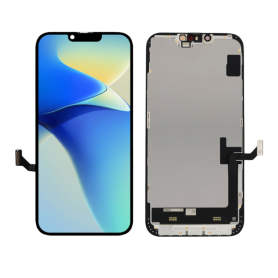
Screen iPhone 14 Plus (Soft OLED) KELAI - Diagnostic
Use Repair Assistant to Finish an iPhone or iPad Repair
On an iPhone 12 or later running iOS 18, when a new Apple screen is installed,“Finish Repair” will appear next to Screen until you complete the repair using the Repair Assistant.
On an iPhone 12 or later running iOS 18, it is possible to reuse an original Apple screen on another iPhone of the same model.
The date of first use and the condition of the screen can be found in Settings > General > About > Parts & Service History.
How to Run Diagnostics & Finish Repair for iPhone Screen
1. Ensure your device is updated to iOS 18
2. Go to Settings > General > About > Parts & Service History
3. Tap "Restart & Finish Repair" to activate the Repair Assistant
4. Follow the on-screen instructions to complete the calibration
After completing this process, your screen will be fully functional, and there will be no pop-up warning about non-genuine parts.
Important Notes:
Your iPhone must be connected to Wi-Fi
Your battery level should be above 20%
If the process fails, restart your device and try again
If the repair is not completed, the screen may not function optimally, and some features (True Tone, Face ID) may be disabled until calibration is finalized
Screen iPhone 14 Plus (Hard OLED) ZY - Support IC Change
Key Features of Screen iPhone 14 Plus (OLED) ZY:
Advanced OLED Technology: The Screen iPhone 14 Plus (OLED) ZY boasts a state-of-the-art OLED display that delivers deep blacks and vibrant colors, enhancing your viewing experience with superior contrast and true-to-life visuals.
Superior Resolution: Experience stunning clarity with a high-resolution display that ensures every image, video, and graphic is showcased with remarkable sharpness and detail.
Enhanced Durability: Built with robust materials, this screen is designed to withstand everyday wear and tear, making it an ideal replacement that promises long-lasting performance.
Seamless Integration: Specifically engineered to fit the iPhone 14 Plus perfectly, ensuring a smooth and effortless installation process without compromising device integrity or functionality.
Responsive Touch Sensitivity: Enjoy intuitive and fluid interaction with precise touch sensitivity, making it easier to navigate apps, type messages, and play games.
True Color Accuracy: Provides excellent color accuracy and consistency, bringing your content to life exactly as intended by content creators and ensuring an immersive media experience.
Energy Efficient: Optimized for power efficiency, this OLED screen helps conserve battery life, allowing you to enjoy longer device usage without frequent charging.
Anti-Reflective Coating: Equipped with an anti-reflective layer that minimizes glare and enhances visibility, even under bright sunlight or harsh lighting conditions.
Environmentally Friendly: Manufactured using eco-conscious processes and materials to minimize environmental impact while delivering exceptional quality and performance.
The Screen iPhone 14 Plus (OLED) ZY is the perfect combination of technology and durability, ensuring that your device looks and functions like new.
Advanced OLED Technology: The Screen iPhone 14 Plus (OLED) ZY boasts a state-of-the-art OLED display that delivers deep blacks and vibrant colors, enhancing your viewing experience with superior contrast and true-to-life visuals.
Superior Resolution: Experience stunning clarity with a high-resolution display that ensures every image, video, and graphic is showcased with remarkable sharpness and detail.
Enhanced Durability: Built with robust materials, this screen is designed to withstand everyday wear and tear, making it an ideal replacement that promises long-lasting performance.
Seamless Integration: Specifically engineered to fit the iPhone 14 Plus perfectly, ensuring a smooth and effortless installation process without compromising device integrity or functionality.
Responsive Touch Sensitivity: Enjoy intuitive and fluid interaction with precise touch sensitivity, making it easier to navigate apps, type messages, and play games.
True Color Accuracy: Provides excellent color accuracy and consistency, bringing your content to life exactly as intended by content creators and ensuring an immersive media experience.
Energy Efficient: Optimized for power efficiency, this OLED screen helps conserve battery life, allowing you to enjoy longer device usage without frequent charging.
Anti-Reflective Coating: Equipped with an anti-reflective layer that minimizes glare and enhances visibility, even under bright sunlight or harsh lighting conditions.
Environmentally Friendly: Manufactured using eco-conscious processes and materials to minimize environmental impact while delivering exceptional quality and performance.
The Screen iPhone 14 Plus (OLED) ZY is the perfect combination of technology and durability, ensuring that your device looks and functions like new.

Screen iPhone 14 Plus (Soft Oled) DD - IC - Original Size / Thickness
Soft OLED replacement screen for iPhone 14 Plus. DD-IC range with original size and thickness. Reference: DD14Plus. Designed for professional repair. Check the device model and test the display and touch functions before closing the device. 12-month warranty.
Screen iPhone 14 Plus (OLED) ZY - Diagnosable
Use Repair Assistant to Finish an iPhone or iPad Repair
On an iPhone 12 or later running iOS 18, when a new Apple screen is installed,“Finish Repair” will appear next to Screen until you complete the repair using the Repair Assistant.
On an iPhone 12 or later running iOS 18, it is possible to reuse an original Apple screen on another iPhone of the same model.
The date of first use and the condition of the screen can be found in Settings > General > About > Parts & Service History.
How to Run Diagnostics & Finish Repair for iPhone Screen
1. Ensure your device is updated to iOS 18
2. Go to Settings > General > About > Parts & Service History
3. Tap "Restart & Finish Repair" to activate the Repair Assistant
4. Follow the on-screen instructions to complete the calibration
After completing this process, your screen will be fully functional, and there will be no pop-up warning about non-genuine parts.
Important Notes:
Your iPhone must be connected to Wi-Fi
Your battery level should be above 20%
If the process fails, restart your device and try again
If the repair is not completed, the screen may not function optimally, and some features (True Tone, Face ID) may be disabled until calibration is finalized
Screen iPhone 14 Plus (Soft OLED) KELAI - Support IC Change
Key Features of Screen iPhone 14 Plus (Soft OLED) KELAI - Support IC Change:
Soft OLED Technology: Experience vibrant colors and deep contrasts with the Soft OLED display, offering a superior visual experience that closely mimics the original iPhone 14 Plus screen.
IC Change Support: Designed with advanced IC change support, this screen allows for seamless integration and enhanced functionality, ensuring optimal performance and compatibility with your device.
High-Resolution Display: Enjoy crystal-clear images and sharp text with the high-resolution display, perfect for streaming, gaming, and everyday use.
Durable Construction: Built with high-quality materials, this screen offers excellent durability and resistance to scratches, ensuring long-lasting performance.
Easy Installation: Comes with a user-friendly design that facilitates easy installation, making it convenient for both professionals and DIY enthusiasts.
Touch Sensitivity: Maintains the original touch sensitivity of the iPhone 14 Plus, providing a smooth and responsive user experience.
Energy Efficient: Engineered to be energy-efficient, helping to preserve battery life while delivering outstanding display quality.
Comprehensive Compatibility: Specifically designed for the iPhone 14 Plus, ensuring perfect fit and function without compromising on quality.
Soft OLED Technology: Experience vibrant colors and deep contrasts with the Soft OLED display, offering a superior visual experience that closely mimics the original iPhone 14 Plus screen.
IC Change Support: Designed with advanced IC change support, this screen allows for seamless integration and enhanced functionality, ensuring optimal performance and compatibility with your device.
High-Resolution Display: Enjoy crystal-clear images and sharp text with the high-resolution display, perfect for streaming, gaming, and everyday use.
Durable Construction: Built with high-quality materials, this screen offers excellent durability and resistance to scratches, ensuring long-lasting performance.
Easy Installation: Comes with a user-friendly design that facilitates easy installation, making it convenient for both professionals and DIY enthusiasts.
Touch Sensitivity: Maintains the original touch sensitivity of the iPhone 14 Plus, providing a smooth and responsive user experience.
Energy Efficient: Engineered to be energy-efficient, helping to preserve battery life while delivering outstanding display quality.
Comprehensive Compatibility: Specifically designed for the iPhone 14 Plus, ensuring perfect fit and function without compromising on quality.
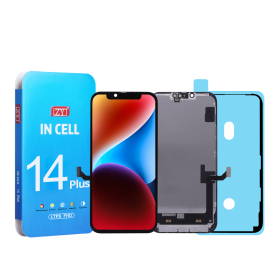
Screen iPhone 14 Plus (INCELL) ZY - COF - FHD1080p - Diagnosable
Use Repair Assistant to Finish an iPhone or iPad Repair
On an iPhone 12 or later running iOS 18, when a new Apple screen is installed,“Finish Repair” will appear next to Screen until you complete the repair using the Repair Assistant.
On an iPhone 12 or later running iOS 18, it is possible to reuse an original Apple screen on another iPhone of the same model.
The date of first use and the condition of the screen can be found in Settings > General > About > Parts & Service History.
How to Run Diagnostics & Finish Repair for iPhone Screen
1. Ensure your device is updated to iOS 18
2. Go to Settings > General > About > Parts & Service History
3. Tap "Restart & Finish Repair" to activate the Repair Assistant
4. Follow the on-screen instructions to complete the calibration
After completing this process, your screen will be fully functional, and there will be no pop-up warning about non-genuine parts.
Important Notes:
Your iPhone must be connected to Wi-Fi
Your battery level should be above 20%
If the process fails, restart your device and try again
If the repair is not completed, the screen may not function optimally, and some features (True Tone, Face ID) may be disabled until calibration is finalized

Screen iPhone 14 Plus (INCELL) ZY - LTPS - Support IC Change - FHD1080p
Advantages LTPS TFT OLED Pixel resolution FHD1080p Same as original HD 720p Same as original Power consumption 10% power savings compared to TFT quality Normal power consumption 20% power savings compared to TFT quality. Response time Fast response Normal response Response same as original Image quality High image quality with vivid colors. Normal display More vivid colors, perfect blacks. Cost Excellent quality and cost. Best cost Steadily decreasing production cost. After-sales feedback After-sales service rate 0.1% After-sales service rate 0.3% After-sales service rate 0.2% Phone thickness with screen (7.65 mm original) 7.75 mm 7.80 mm 7.65 mm
Screen iPhone 16E /17E (Original Refurbished)
Key Features of Screen iPhone 16E (Original Refurbished)
High-Quality Display: Experience vibrant colors and sharp clarity with a genuine Apple Retina display, offering a seamless visual experience for all your apps, photos, and videos.
Certified Refurbishment: This product has undergone a comprehensive refurbishment process, including functional testing, cleaning, and inspection, ensuring it meets Apple’s high standards.
Eco-Friendly Choice: Opt for sustainability by choosing a refurbished product that reduces electronic waste while still delivering premium performance.
True Tone Technology: Adapts the screen’s brightness and color temperature to the ambient light for optimal viewing comfort in any environment.
Scratch-Resistant Coating: Features durable glass with an added layer of protection to reduce scratches and maintain the screen’s pristine condition.
Full Compatibility: Perfect fit and functionality with your iPhone 16E, ensuring effortless installation and immediate usability.
Cost Effective: Enjoy significant savings without compromising on quality, making it a smart choice for budget-conscious consumers.
Comprehensive Warranty: Comes with a limited warranty that covers parts and labor, offering peace of mind with your purchase.
High-Quality Display: Experience vibrant colors and sharp clarity with a genuine Apple Retina display, offering a seamless visual experience for all your apps, photos, and videos.
Certified Refurbishment: This product has undergone a comprehensive refurbishment process, including functional testing, cleaning, and inspection, ensuring it meets Apple’s high standards.
Eco-Friendly Choice: Opt for sustainability by choosing a refurbished product that reduces electronic waste while still delivering premium performance.
True Tone Technology: Adapts the screen’s brightness and color temperature to the ambient light for optimal viewing comfort in any environment.
Scratch-Resistant Coating: Features durable glass with an added layer of protection to reduce scratches and maintain the screen’s pristine condition.
Full Compatibility: Perfect fit and functionality with your iPhone 16E, ensuring effortless installation and immediate usability.
Cost Effective: Enjoy significant savings without compromising on quality, making it a smart choice for budget-conscious consumers.
Comprehensive Warranty: Comes with a limited warranty that covers parts and labor, offering peace of mind with your purchase.
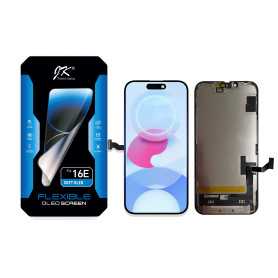
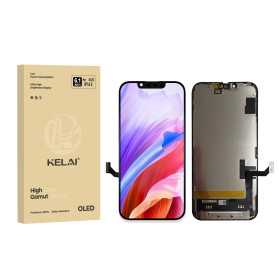
Screen iPhone 16E/17E (Soft OLED) KELAI- Support IC Change - Original Size and Thickness
Key Features of Screen iPhone 16E (Soft OLED) KELAI:
Soft OLED Technology: The screen features advanced Soft OLED technology, ensuring vibrant colors, deep blacks, and superior contrast for a truly immersive visual experience.
Original Size and Thickness: Designed to match the original iPhone 16E's dimensions, this screen maintains the authentic look and feel of your device, ensuring compatibility and a seamless fit.
Support IC Change: Equipped with a flexible integrated circuit (IC) design, this screen provides enhanced support for IC customization and replacement, facilitating easier maintenance and repairs.
High-Precision Display: Enjoy sharp, high-definition visuals with superior pixel accuracy, making it ideal for watching videos, playing games, or viewing photos.
Durability: Constructed with robust materials, the screen is built to withstand daily use while offering resistance to scratches and minor impacts.
Responsive Touch: Experience responsive and accurate touch performance, ensuring smooth interactions and seamless control over your apps and features.
Easy Installation: Comes with a straightforward installation process, making it convenient for both professional technicians and DIY enthusiasts to replace or upgrade their device's screen.
Energy Efficient: Designed to optimize power consumption, this screen helps extend your device's battery life while maintaining high-quality display performance.
Soft OLED Technology: The screen features advanced Soft OLED technology, ensuring vibrant colors, deep blacks, and superior contrast for a truly immersive visual experience.
Original Size and Thickness: Designed to match the original iPhone 16E's dimensions, this screen maintains the authentic look and feel of your device, ensuring compatibility and a seamless fit.
Support IC Change: Equipped with a flexible integrated circuit (IC) design, this screen provides enhanced support for IC customization and replacement, facilitating easier maintenance and repairs.
High-Precision Display: Enjoy sharp, high-definition visuals with superior pixel accuracy, making it ideal for watching videos, playing games, or viewing photos.
Durability: Constructed with robust materials, the screen is built to withstand daily use while offering resistance to scratches and minor impacts.
Responsive Touch: Experience responsive and accurate touch performance, ensuring smooth interactions and seamless control over your apps and features.
Easy Installation: Comes with a straightforward installation process, making it convenient for both professional technicians and DIY enthusiasts to replace or upgrade their device's screen.
Energy Efficient: Designed to optimize power consumption, this screen helps extend your device's battery life while maintaining high-quality display performance.

Screen iPhone 16E /17E (Hard OLED) ZY - Support IC Change
Key Features of Screen iPhone 16 E (OLED) ZY
OLED Display Technology: Experience vibrant colors and deeper blacks with the latest OLED technology, delivering a richer and more immersive visual experience.
Enhanced Resolution: Boasting a remarkable resolution, the Screen iPhone 16 E (OLED) ZY ensures crystal-clear images and text, perfect for both media consumption and professional tasks.
High Refresh Rate: Enjoy silky-smooth animations and responsiveness thanks to the high refresh rate, ideal for gaming and fast-paced content.
True Tone Adjustments: The display intelligently adjusts its color balance to match your surroundings, providing a more natural viewing experience in any lighting condition.
Energy Efficiency: With advanced power-saving features, the OLED display optimizes battery usage, extending the life between charges without sacrificing performance.
Durable Design: Built with top-grade materials that are scratch and impact-resistant, ensuring longevity and durability in everyday use.
Wide Color Gamut: Supports a wide range of colors with excellent saturation, offering true-to-life visuals that enhance any content from photos to videos.
Ultra-Thin Profile: The sleek, slim design seamlessly integrates with the iPhone 16 E, maintaining its elegant aesthetic while providing impressive display capabilities.
Improved Sunlight Visibility: With increased brightness levels and anti-reflective coating, the screen remains clear and easily readable even under direct sunlight.
Advanced Eye Comfort: Features a blue light filter mode to reduce eye strain, allowing for comfortable extended usage, particularly useful for avid readers and late-night users.
These key features make the Screen iPhone 16 E (OLED) ZY a top-tier choice for those seeking cutting-edge display technology combined with thoughtful design considerations.
OLED Display Technology: Experience vibrant colors and deeper blacks with the latest OLED technology, delivering a richer and more immersive visual experience.
Enhanced Resolution: Boasting a remarkable resolution, the Screen iPhone 16 E (OLED) ZY ensures crystal-clear images and text, perfect for both media consumption and professional tasks.
High Refresh Rate: Enjoy silky-smooth animations and responsiveness thanks to the high refresh rate, ideal for gaming and fast-paced content.
True Tone Adjustments: The display intelligently adjusts its color balance to match your surroundings, providing a more natural viewing experience in any lighting condition.
Energy Efficiency: With advanced power-saving features, the OLED display optimizes battery usage, extending the life between charges without sacrificing performance.
Durable Design: Built with top-grade materials that are scratch and impact-resistant, ensuring longevity and durability in everyday use.
Wide Color Gamut: Supports a wide range of colors with excellent saturation, offering true-to-life visuals that enhance any content from photos to videos.
Ultra-Thin Profile: The sleek, slim design seamlessly integrates with the iPhone 16 E, maintaining its elegant aesthetic while providing impressive display capabilities.
Improved Sunlight Visibility: With increased brightness levels and anti-reflective coating, the screen remains clear and easily readable even under direct sunlight.
Advanced Eye Comfort: Features a blue light filter mode to reduce eye strain, allowing for comfortable extended usage, particularly useful for avid readers and late-night users.
These key features make the Screen iPhone 16 E (OLED) ZY a top-tier choice for those seeking cutting-edge display technology combined with thoughtful design considerations.

Screen iPhone 16e/17e (LTPS) JK - COF - FHD1080p
Advantages
LTPS
TFT
OLED
Pixel resolution
FHD1080p Same as original
HD 720p
Same as original
Power consumption
10% power savings compared to TFT quality
Normal power consumption
20% power savings compared to TFT quality.
Response time
Fast response
Normal response
Response same as original
Image quality
High image quality with vivid colors.
Normal display
More vivid colors, perfect blacks.
Cost
Excellent quality and cost.
Best cost
Production cost steadily decreasing.
After-sales feedback
After-sales rate 0.1%
After-sales rate 0.3%
After-sales rate 0.2%
Phone thickness with screen (7.65 mm original)
7.75 mm
7.80 mm
7.65 mm

iPhone 16E/17E (INCELL) ZY - LTPS - Support IC Change - FHD1080p
Advantages
LTPS
TFT
OLED
Pixel resolution
FHD1080p Same as original
HD 720p
Same as original
Power consumption
10% power savings compared to TFT quality
Normal power consumption
20% power savings compared to TFT quality.
Response time
Fast response
Normal response
Response same as original
Image quality
High image quality with vivid colors.
Normal display
More vivid colors, perfect blacks.
Cost
Excellent quality and cost.
Best cost
Production cost steadily decreasing.
After-sales feedback
After-sales rate 0.1%
After-sales rate 0.3%
After-sales rate 0.2%
Phone thickness with screen (7.65 mm original)
7.75 mm
7.80 mm
7.65 mm
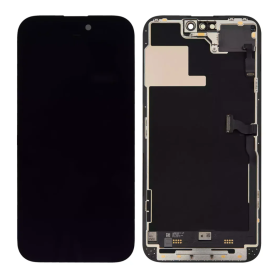
Screen iPhone 14 Pro Max with Proximity Sensor Flex (Original Disassembled) - Grade A
Screen for iPhone 14 Pro Max.Supplied with: proximity sensor flex cableQuality: Original DémontéPart condition: grade ASpare part intended for repair shops and resellers. Fits in place of the original part on the indicated device.
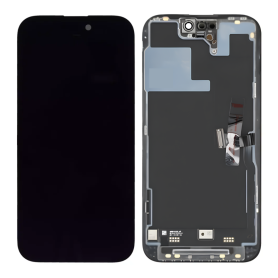
Screen iPhone 14 Pro Max (Original Refurbished)
This screen is indeed original, but it does not allow removing the error message. Each phone has a screen with a unique serial number, and only the Apple Store can program this serial number. However, this error message only lasts a few weeks.
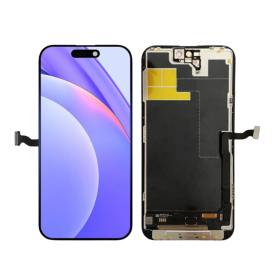
Screen iPhone 14 Pro Max (OEM) Soft Oled - Diagnosable - No Pop-up - 120Hz
Use Repair Assistant to Finish an iPhone or iPad Repair
On an iPhone 12 or later running iOS 18, when a new Apple screen is installed,“Finish Repair” will appear next to Screen until you complete the repair using the Repair Assistant.
On an iPhone 12 or later running iOS 18, it is possible to reuse an original Apple screen on another iPhone of the same model.
The date of first use and the condition of the screen can be found in Settings > General > About > Parts & Service History.
How to Run Diagnostics & Finish Repair for iPhone Screen
1. Ensure your device is updated to iOS 18
2. Go to Settings > General > About > Parts & Service History
3. Tap "Restart & Finish Repair" to activate the Repair Assistant
4. Follow the on-screen instructions to complete the calibration
After completing this process, your screen will be fully functional, and there will be no pop-up warning about non-genuine parts.
Important Notes:
Your iPhone must be connected to Wi-Fi
Your battery level should be above 20%
If the process fails, restart your device and try again
If the repair is not completed, the screen may not function optimally, and some features (True Tone, Face ID) may be disabled until calibration is finalized
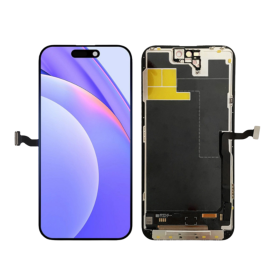
Screen iPhone 14 Pro Max (Soft OLED) KELAI - Diagnostic
Use Repair Assistant to Finish an iPhone or iPad Repair
On an iPhone 12 or later running iOS 18, when a new Apple screen is installed,“Finish Repair” will appear next to Screen until you complete the repair using the Repair Assistant.
On an iPhone 12 or later running iOS 18, it is possible to reuse an original Apple screen on another iPhone of the same model.
The date of first use and the condition of the screen can be found in Settings > General > About > Parts & Service History.
How to Run Diagnostics & Finish Repair for iPhone Screen
1. Ensure your device is updated to iOS 18
2. Go to Settings > General > About > Parts & Service History
3. Tap "Restart & Finish Repair" to activate the Repair Assistant
4. Follow the on-screen instructions to complete the calibration
After completing this process, your screen will be fully functional, and there will be no pop-up warning about non-genuine parts.
Important Notes:
Your iPhone must be connected to Wi-Fi
Your battery level should be above 20%
If the process fails, restart your device and try again
If the repair is not completed, the screen may not function optimally, and some features (True Tone, Face ID) may be disabled until calibration is finalized

Screen iPhone 14 Pro Max (Soft Oled) DD - IC - 120hz - Original Size / Thickness
Soft OLED replacement screen for iPhone 14 Pro Max. DD-IC range with original size and thickness. Listed refresh rate: 120 Hz. Reference: DD14PM. Designed for professional repair. Check the device model and test the display and touch functions before closing the device. 12-month warranty.

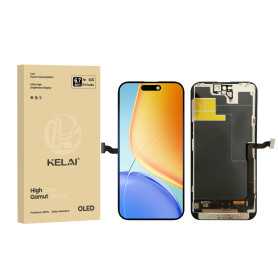
Screen iPhone 14 Pro Max (Soft OLED) KELAI - Support IC Change - 120HZ
Key Features of Screen iPhone 14 Pro Max (Soft OLED) KELAI:
Soft OLED Technology: Experience vibrant colors and deep contrasts with the Soft OLED display, offering an enhanced visual experience similar to the original iPhone 14 Pro Max screen.
Support for IC Change: Features support for IC (Integrated Circuit) change, allowing seamless compatibility and performance consistency with your device’s existing hardware.
Original Size and Thickness: Designed to match the original iPhone 14 Pro Max screen dimensions, ensuring a perfect fit without adding any extra bulk, preserving the sleek design of your device.
High-Quality Build: Manufactured with precision to deliver durability, reducing the likelihood of cracks and scratches from everyday use.
Touch Sensitivity: Maintains the original touch responsiveness, ensuring smooth navigation and interaction with your device just as intended by Apple.
Easy Installation: Comes with tools and instructions for a straightforward installation process, making it accessible even for non-professionals.
Optimal Performance: Guarantees consistent performance levels with color accuracy, brightness, and energy efficiency parallel to the original screen.
This KELAI screen replacement is an ideal solution for restoring your iPhone 14 Pro Max’s display to its optimal condition, blending uncompromised functionality with enhanced durability.
Soft OLED Technology: Experience vibrant colors and deep contrasts with the Soft OLED display, offering an enhanced visual experience similar to the original iPhone 14 Pro Max screen.
Support for IC Change: Features support for IC (Integrated Circuit) change, allowing seamless compatibility and performance consistency with your device’s existing hardware.
Original Size and Thickness: Designed to match the original iPhone 14 Pro Max screen dimensions, ensuring a perfect fit without adding any extra bulk, preserving the sleek design of your device.
High-Quality Build: Manufactured with precision to deliver durability, reducing the likelihood of cracks and scratches from everyday use.
Touch Sensitivity: Maintains the original touch responsiveness, ensuring smooth navigation and interaction with your device just as intended by Apple.
Easy Installation: Comes with tools and instructions for a straightforward installation process, making it accessible even for non-professionals.
Optimal Performance: Guarantees consistent performance levels with color accuracy, brightness, and energy efficiency parallel to the original screen.
This KELAI screen replacement is an ideal solution for restoring your iPhone 14 Pro Max’s display to its optimal condition, blending uncompromised functionality with enhanced durability.
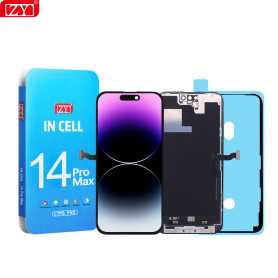
Screen iPhone 14 Pro Max (INCELL) ZY - COF - FHD1080p - 120Hz - Diagnosable
Use Repair Assistant to Finish an iPhone or iPad Repair
On an iPhone 12 or later running iOS 18, when a new Apple screen is installed,“Finish Repair” will appear next to Screen until you complete the repair using the Repair Assistant.
On an iPhone 12 or later running iOS 18, it is possible to reuse an original Apple screen on another iPhone of the same model.
The date of first use and the condition of the screen can be found in Settings > General > About > Parts & Service History.
How to Run Diagnostics & Finish Repair for iPhone Screen
1. Ensure your device is updated to iOS 18
2. Go to Settings > General > About > Parts & Service History
3. Tap "Restart & Finish Repair" to activate the Repair Assistant
4. Follow the on-screen instructions to complete the calibration
After completing this process, your screen will be fully functional, and there will be no pop-up warning about non-genuine parts.
Important Notes:
Your iPhone must be connected to Wi-Fi
Your battery level should be above 20%
If the process fails, restart your device and try again
If the repair is not completed, the screen may not function optimally, and some features (True Tone, Face ID) may be disabled until calibration is finalized
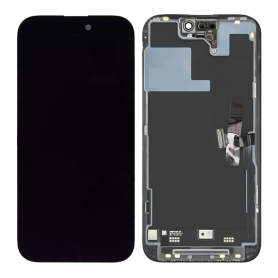
Screen iPhone 14 Pro (Original Disassembled) - Grade A
Key Features of Screen iPhone 14 Pro (Original Disassembled) - Grade A:
Original Quality: This screen is an original, disassembled component designed for the iPhone 14 Pro, ensuring the same high quality and performance as the manufacturer's standards.
Grade A Condition: Rated as Grade A, this screen offers pristine condition with no noticeable scratches or blemishes, providing an optimal visual experience identical to a brand-new screen.
Perfect Compatibility: Specifically manufactured for the iPhone 14 Pro, this screen guarantees perfect fit and function, seamlessly integrating with all device components.
Superior Display: Enjoy the Retina XDR display technology with vibrant colors, deep blacks, and exceptional brightness and contrast levels for an enhanced viewing experience.
True Tone & HDR Support: The screen supports True Tone and HDR, allowing for a natural viewing experience with accurate color representation that adjusts to environmental lighting conditions.
Face ID Compatibility: Maintains full functionality of Face ID, ensuring secure and convenient access to your phone.
Professional Installation Recommended: Due to the technical complexity, professional installation is recommended to ensure proper fitting and to avoid damage during installation.
Eco-Friendly Option: Choosing an original disassembled part is environmentally friendly, as it promotes recycling and reduction of electronic waste.
This product is ideal for restoring your iPhone 14 Pro to its original glory with uncompromised quality.
Original Quality: This screen is an original, disassembled component designed for the iPhone 14 Pro, ensuring the same high quality and performance as the manufacturer's standards.
Grade A Condition: Rated as Grade A, this screen offers pristine condition with no noticeable scratches or blemishes, providing an optimal visual experience identical to a brand-new screen.
Perfect Compatibility: Specifically manufactured for the iPhone 14 Pro, this screen guarantees perfect fit and function, seamlessly integrating with all device components.
Superior Display: Enjoy the Retina XDR display technology with vibrant colors, deep blacks, and exceptional brightness and contrast levels for an enhanced viewing experience.
True Tone & HDR Support: The screen supports True Tone and HDR, allowing for a natural viewing experience with accurate color representation that adjusts to environmental lighting conditions.
Face ID Compatibility: Maintains full functionality of Face ID, ensuring secure and convenient access to your phone.
Professional Installation Recommended: Due to the technical complexity, professional installation is recommended to ensure proper fitting and to avoid damage during installation.
Eco-Friendly Option: Choosing an original disassembled part is environmentally friendly, as it promotes recycling and reduction of electronic waste.
This product is ideal for restoring your iPhone 14 Pro to its original glory with uncompromised quality.
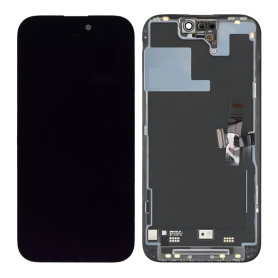
Screen iPhone 14 Pro (Original Disassembled) - Grade B
This screen is indeed original, but it does not allow removing the error message. Each phone has a screen with a unique serial number, and only the Apple Store can program this serial number. However, this error message only lasts a few weeks.
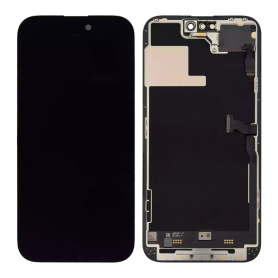
Screen iPhone 14 Pro with Proximity Sensor Flex (Original Refurbished) - Supports Configuration
Use Repair Assistant to Finish an iPhone or iPad Repair
On an iPhone 12 or later running iOS 18, when a new Apple screen is installed, “Finish Repair” will appear next to Screen until you complete the repair using the Repair Assistant.
On an iPhone 12 or later running iOS 18, it is possible to reuse an original Apple screen on another iPhone of the same model.
The date of first use and the condition of the screen can be found in Settings > General > About > Parts & Service History.
How to Run Diagnostics & Finish Repair for iPhone Screen
1. Ensure your device is updated to iOS 18
2. Go to Settings > General > About > Parts & Service History
3. Tap "Restart & Finish Repair" to activate the Repair Assistant
4. Follow the on-screen instructions to complete the calibration
After completing this process, your screen will be fully functional, and there will be no pop-up warning about non-genuine parts.
Important Notes:
Your iPhone must be connected to Wi-Fi
Your battery level should be above 20%
If the process fails, restart your device and try again
If the repair is not completed, the screen may not function optimally, and some features (True Tone, Face ID) may be disabled until calibration is finalized