






Category
- Repair Partsaddremove
- Multimediaaddremove
- Accessoryaddremove
- Tools and Equipmentaddremove





A1465 Macbook Air 11" 2012-2015
There are 29 products.
Screens Macbook Air 11" 2012-2015 (A1465)
↑ Types
Full LCD Screen MacBook Air 11 2010-2012 (Original Refurbished)
Name: LCD Display Assembly Laptop Model: A1465/A1370 Year: 2010 2011 2012 PPN: N/A APN: 661-6624,661-5737,661-6069 Color: Silver iSight Cam Cable Pins: 6Pins Native Resolution: 1336*768 Display Size: 11.6" Display Tech: 11.6" LED-backlit display glossy widescreen Grade: Grade A+/A-/B /After-Assembled.. Standard Qty/Box: 10Pcs/Box Packing: Carton Box
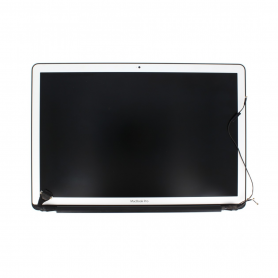
Complete LCD Screen Apple MacBook Air 11 ″ A1370 A1465 2010 - 2012 - Grade B
COMPATIBILITY: MACBOOK AIR 11" MODEL: A1370 AND A1465 YEAR: 2010 TO 2012 APPLE REFERENCES: 661-5737, 661-6069, 661-6624
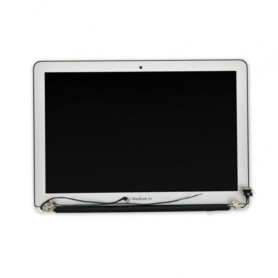
Full LCD Screen MacBook A1465 2013-2015 (Original Refurbished)
COMPATIBILITY: MACBOOK AIR 11" MODEL: A1370 AND A1465YEAR: 2013 TO 2015APPLE REFERENCES: 661-7468, 661-02345
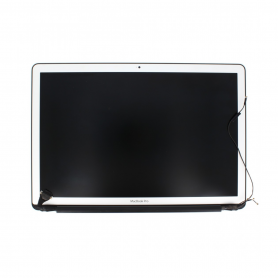
Batteries Macbook Air 11" 2012-2015 (A1465)
↑ Types
Battery A1406 / A1495 for MacBook Air 11 " A1370 / A1465
Model: A1406 / A1495 Spare part type: Batteries Fault type: Charging Battery reference: A1406 MacBook Air compatibility: MacBook Air 11" - A1370 - EMC 2471, MacBook Air 11" - A1465 - EMC 2558
Frames & housings Macbook Air 11" 2012-2015 (A1465)
↑ Types
Complete Chassis Apple MacBook Air 13 ″ Silver A1465 - Chassis + QWERTY Keyboard - Grade B
COMPATIBILITÉ : MACBOOK AIR 13"
MODÈLE : A2179
MODÈLE : A2179

Complete Chassis Apple MacBook Air 13 ″ Silver A1465 - Chassis + QWERTY Keyboard - Grade AB
COMPATIBILITÉ : MACBOOK AIR 13"
MODÈLE : A2179
MODÈLE : A2179
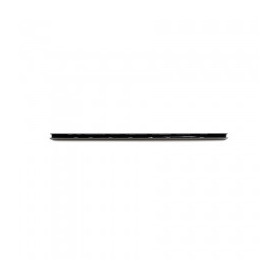
Hinge Cover MacBook Air 11" A1465 A1370 Hinge Clutch Shaft Cap Cover 2010-2015
Name: Hinge Clutch Cover Laptop Model: A1465 A1370 Year: 2010-2015 PPN: N/A APN: N/A Packing: Plastic Bag+Bubbles

Complete Chassis Apple MacBook Air 13 ″ Silver A1465 - Chassis + QWERTY Keyboard - Grade A
COMPATIBILITÉ : MACBOOK AIR 13"
MODÈLE : A2179
MODÈLE : A2179
Flex cables & connectors Macbook Air 11" 2012-2015 (A1465)
↑ Types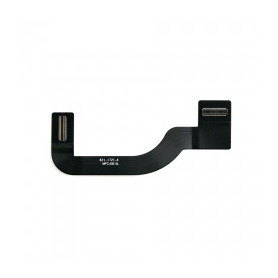
USB-C Type C Connector Flex Cable 821-1721-A MacBook Air 11" A1465 2013-2015
Name: I/O Board Power Cable Laptop Model:A1465 Year: 2013 2014 2015 PPN: 821-1721-A APN: 923-0431 Packing: Plastic Bag+Bubbles
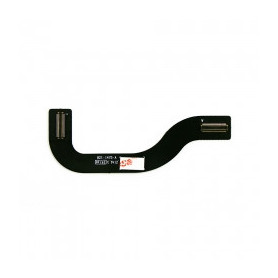
USB-C Type C Connector Flex Cable 821-1475-A MacBook Air 11" A1465 2012
Name :I/O Board Power Cable Laptop Model:A1465 Year :2012 PPN: 821-1475-A APN: 923-0119 Packing: Plastic Bag+Bubbles
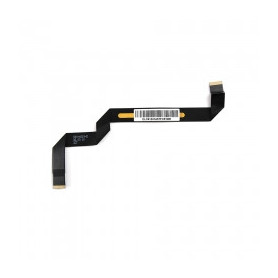
Trackpad Touchpad IPD Flex Cable 593-1603-B MacBook Air 11" A1465 2013-2015
Name: Touchpad Cable Laptop Model:A1465 Year: 2013 2014 2015 PPN: 593-1603-B APN: N/A Packing: Plastic Bag+Bubbles
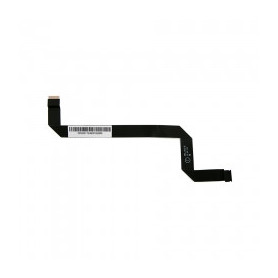
Trackpad Touchpad IPD Flex Cable 593-1525-B MacBook Air 11" A1465 2012
Name:Touchpad Cable Laptop Model:A1465 Year:2012 PPN: 593-1525-B APN: N/A Packing: Plastic Bag+Bubbles
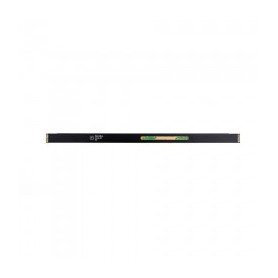
Trackpad Touchpad IPD Flex Cable 593-1430-A MacBook Air 11" A1370 A1465 2011
Name: Touchpad Cable Laptop Model: A1370 Year: 2011 PPN: 593-1430-A APN: N/A Packing: Plastic Bag+Bubbles
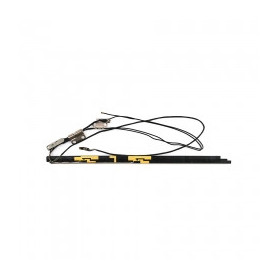
iSight Camera WiFi / Bluetooth Antenna Cable 818-2882 MacBook Air 11" A1370 2010-2011 / A1465 2012
Name: iSight Wifi Cable with Antenna Laptop Model: A1370 A1465 Year: 2010 2011 2012 PPN: N/A APN: N/A iSight Cam Pins: 6 Pins Packing: Plastic Bag+Bubbles
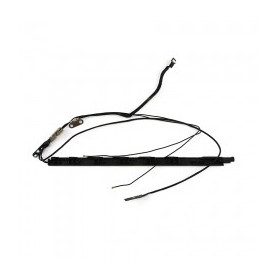
iSight Camera WiFi / Bluetooth Antenna Cable 818-1839 MacBook Air 11" A1465 2013-2015
Name: iSight Wifi Cable with Antenna Laptop Model:A1465 Year: 2013 2014 2015 PPN: 818-1839 APN: N/A iSight Cam Pins: 12 Pins Packing: Plastic Bag+Bubbles
Small parts Macbook Air 11" 2012-2015 (A1465)
↑ Types
MagSafe 2 45W Power Adapter - Compatible
Charger Specifications For Macbook from late 2012 Color: White Condition: New Package List 1 x Charger for Apple 1 x EU Plug Compatible original adapter: 45W : MACBOOK AIR 11" 13" - A1435 A1465 A1466 A1436

Keyboard for MacBook AZERTY - QWERTY
Macbook AZERTY - QWERTY keyboard
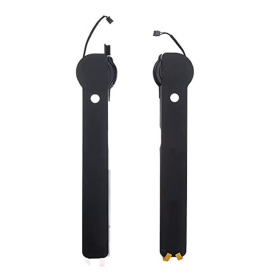
A1465 MacBook Air 11’ Left and Right Speaker 2012-2015
Name: USB Dc Jack Board Laptop Model: A1465 Year: 2012 PPN:820-3213-A APN:923-0118 Packing: Anti-Static Plastic Bag+Bubbles

Battery Screw MacBook Air 11" 13" A1466 A1369 A1465 A1370 2010-2015/2017
Name: Battery Screws Set Laptop Model: A1466 A1465 A1369 A1370 Year: 2010-2015/2017 One Set Qty: 5Pcs One Set Include: 3Pcs - Long 2Pcs - Short Screws Type: Torx T5 PPN: N/A APN: 922-9689,922-9690,922-9693 Packing: Plastic Bag+Bubbles
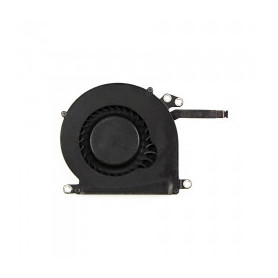
Fan MacBook Air 11" A1370 A1465 CPU 2010-2015
Name: CPU Fan Laptop Model: A1370/A1465 Year: 2010 2011 2012 2013 2014 2015 Factory PN:KDB05105HC-HM04, UDQFZYR70DQU PPN: N/A APN: 922-9973, 923-00500, 923-0433 Packing: Plastic Bag+Bubbles

Trackpad Touchpad 923-0429 MacBook Air 13” A1465 2013-2015 Silver
Name: Trackpad Laptop Model: A1465 Year: 2013 2014 2015 PPN: N/A APN: 923-0429 Color: Silver Function: Multi-Touch Trackpad Packing: Anti-static Plastic Bag+Bubbles
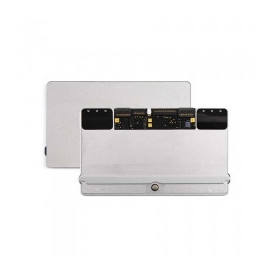
Trackpad Touchpad 922-9670 / 923-0117 / 922-9971 MacBook Air 13" A1465 A1370 2010-2012 Silver
Name: Trackpad Laptop Model: A1465/A1370 Year: 2010 2011 2012 PPN: N/A APN: 922-9670,923-0117,922-9971 Color: Silver Function: Multi-Touch Trackpad Packing: Anti-static Plastic Bag+Bubbles
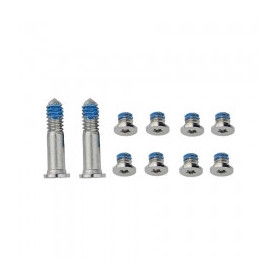
Bottom Case Screw Kit MacBook Air 11" A1370 A1465
Name:Bottom Screws Set One Set Qty:10Pcs One Set Include: 2Pcs - Long 8Pcs - Short Screws Type:P5 Pentalobe Laptop Model:A1370 A1465 Year:2010 2011 2012 2013 2014 2015 PPN: N/A APN: 923-0122 Packing: Plastic Bag+Bubbles
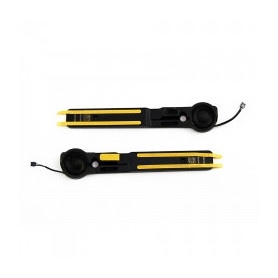
Right and Left Speakers 609-0297/609-0296/609-00063 MacBook Air 11" A1370 2010-2011 A1465 2012-2015
Name: Left and Right Speaker Set Laptop Model: A1370/A1465 Year: 2010 2011 2012 2013 2014 2015 PPN: 609-0297,609-0296,609-00063 APN: 922-9671,922-9672,923-0435,923-00498 /OEM New /OEM Packing: Plastic Bag+Bubbles
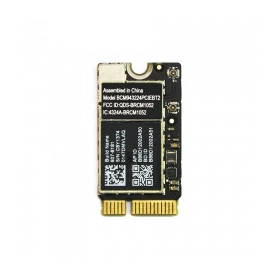
WiFi Bluetooth Network Card BCM943224PCIEBT2 MacBook Air 11" A1370 A1465 13" A1369 A1466 2010-2012
Name: Wifi Card Laptop Model: A1466 A1465 A1369 A1370 Year: 2010 2011 2012 PPN: BCM943224PCIEBT2 APN: 607-8821 607-8822 653-0010 607-6759 WIFI: 802.11n Bluetooth: Bluetooth 4.0 Packing: Plastic Bag+Bubbles
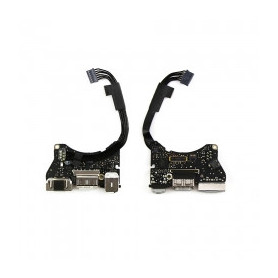
Audio Board Magsafe DC IN I/O 820-3453-A MacBook Air 11" A1465 2013-2015
Name: USB Dc Jack Board Laptop Model: A1465 Year: 2013 2014 2015 PPN:820-3453-A APN:923-0430 Packing: Anti-Static Plastic Bag+Bubbles
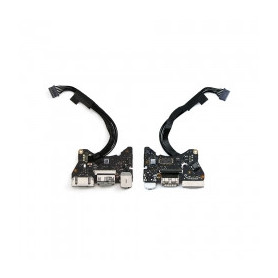
Audio Board Magsafe DC IN I/O 820-3213-A MacBook Air 11" A1465 2012
Name: USB Dc Jack Board Laptop Model: A1465 Year: 2012 PPN:820-3213-A APN:923-0118 Packing: Anti-Static Plastic Bag+Bubbles

Everything for your Macbook Air 11" 2012-2015 (A1465)
Tools to repair it
- Dielectric Solvent Aerosol 550ml – Screen / Battery / Back Glass Cleaning and Removal (Falcon 530)
- Rubber elastics 1400 pcs 130mm x 1mm
- Glue T7000 Black - 50/110 ml
- Disassembly Tool - Suction Cup + Safe Opener + Screwdriver + Plastic Pry Bar
- SIM Card Extraction Tool 1pc
- Single-Edge Safety Blade Pack of 5 Pcs
- Soldering Mat 500 Degree Magnetic Heat Resistant Work Mat 45 * 30cm - S-160
- Professional Opening Tools RELIFE RL-050


